
Forgotten the PIN for the security key
Step-by-step guide for tablets
How to reset your security key
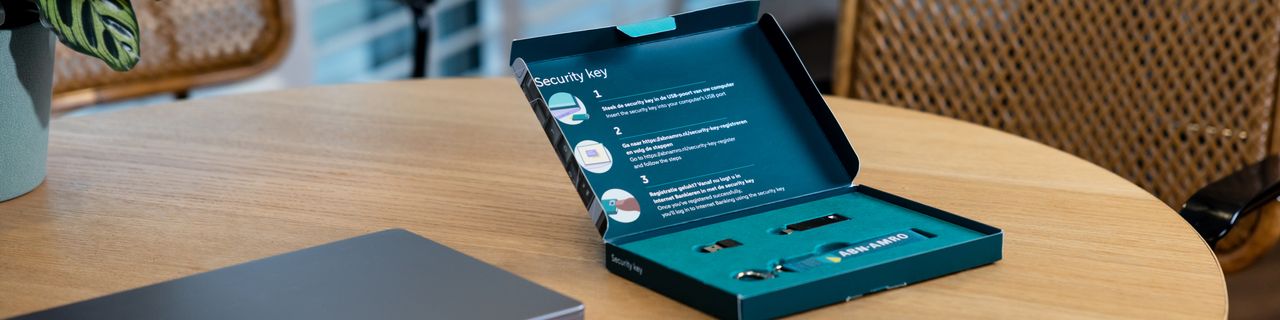
Are you using a tablet in combination with the security key, and have you forgotten your key’s PIN? This step-by-step guide will show you how to reset your security key if it’s been blocked after 8 failed attempts.
Choose whether you’re using a Windows or an Apple computer
To reset the security key, you need a Windows or an Apple computer.
- I have a Windows computer
Continue with the following instructions: Open the step-by-step guide for Windows
- I have an Apple computer
Continue with the following instructions: Open the step-by-step guide for Apple
If you don’t have a Windows or an Apple computer, go to step 2.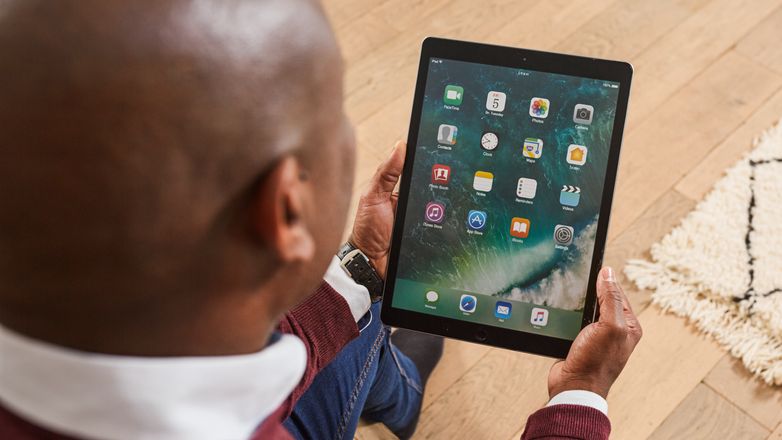
No Windows or Apple computer? Ask someone you know for help
If you don’t have your own Windows or Apple computer to perform the reset, ask someone you know if you can use their computer. This can be a family member, friend or acquaintance, for example.
Then continue with the instructions for Windows or the instructions for Apple.
Good to know: resetting your security key on someone else’s computer is safe. Your bank details will still be protected.
If you don’t have a Windows or Apple computer, and don’t know anyone who can help, or if you have another problem, please get in touch with us. We’d be happy to help you move forward.
Reset successful? Re-register your security key
Once you’ve managed to reset your security key, the next step is to re-register the key on Internet Banking. You can do this on your own tablet.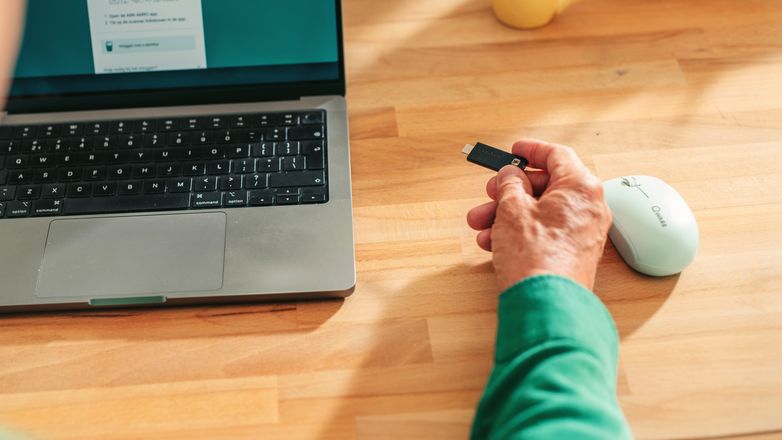
Need more help?
Chatbot Anna

Chat with chatbot Anna. Does she not succeed in solving your problem? Then a member of staff will take over the conversation (Monday to Friday between 9:00 AM and 5:00 PM).
Direct answer
Call us

See all telephone numbers and opening hours.
Please note that there may be a waiting time
Chatbot Anna
Chat with chatbot Anna. Does she not succeed in solving your problem? Then a member of staff will take over the conversation (Monday to Friday between 9:00 AM and 5:00 PM).
Direct answer
Call us
See all telephone numbers and opening hours.
Please note that there may be a waiting time