

Logging in using the security key
Access to Internet Banking without a smartphone
Logging in without a smartphone or the app
The security key lets you log in and confirm orders securely on Internet Banking. You don’t need a smartphone or the app, as you log in using a combination of the key, your email address and your password. We’ll explain how it works.
How to log in with the security key
Insert the security key into your computer

Insert the security key into your computer. Then click the Login button at the top-right corner of the page and choose Log in with security key.
Choose log in with security key
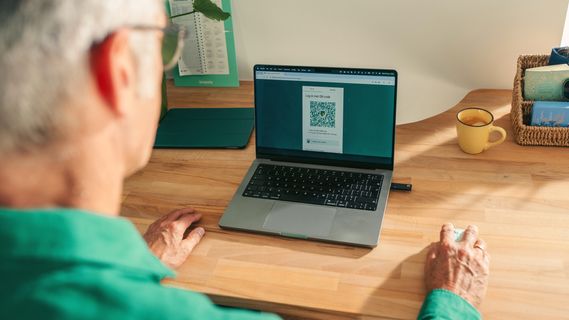
First enter the email address associated with your profile. Now click Next. Enter the PIN for your security key.
Touch the security key

During the login process, you’ll receive a message telling you when to touch the back of the security, as shown in the image.
Take a look at the video
If you’d rather watch and listen to the instructions, take a look at the video. We show you how to log in to Internet Banking using the security key.

Is this way of logging in right for me?
You can use the security key to log in and confirm orders on Internet Banking. You don’t need a smartphone or tablet. If you have a smartphone and want to use mobile banking too, that’s no problem. There are several ways to log in to Internet Banking and you can alternate between different methods.

