
Completing your details
Securely in the ABN AMRO app or on Internet Banking
Frequently Asked Questions
Have we asked you to complete your personal details? Do it securely in the ABN AMRO app or on Internet Banking, in your own secure environment.
Why do we ask you to complete your details? And how can you be sure the request is genuine? Read below what you need to know.

What else is needed, and why?
If something happens to your phone, you need to be able to block the ABN AMRO app and reactivate it. Because of a change in the app and Internet Banking, you now need a password to do this.
You need to use your email address and password if:
- your phone is lost or stolen
- you buy a new phone
- you download the app again
If we already have your email address, it will be filled in automatically. You only need to choose a password.
Open the ABN AMRO app or Internet Banking

The quickest way to complete your details is in the app. Would you rather do it on your laptop or PC? Use the app to log in to Internet Banking.
Tap the bell icon for Messages
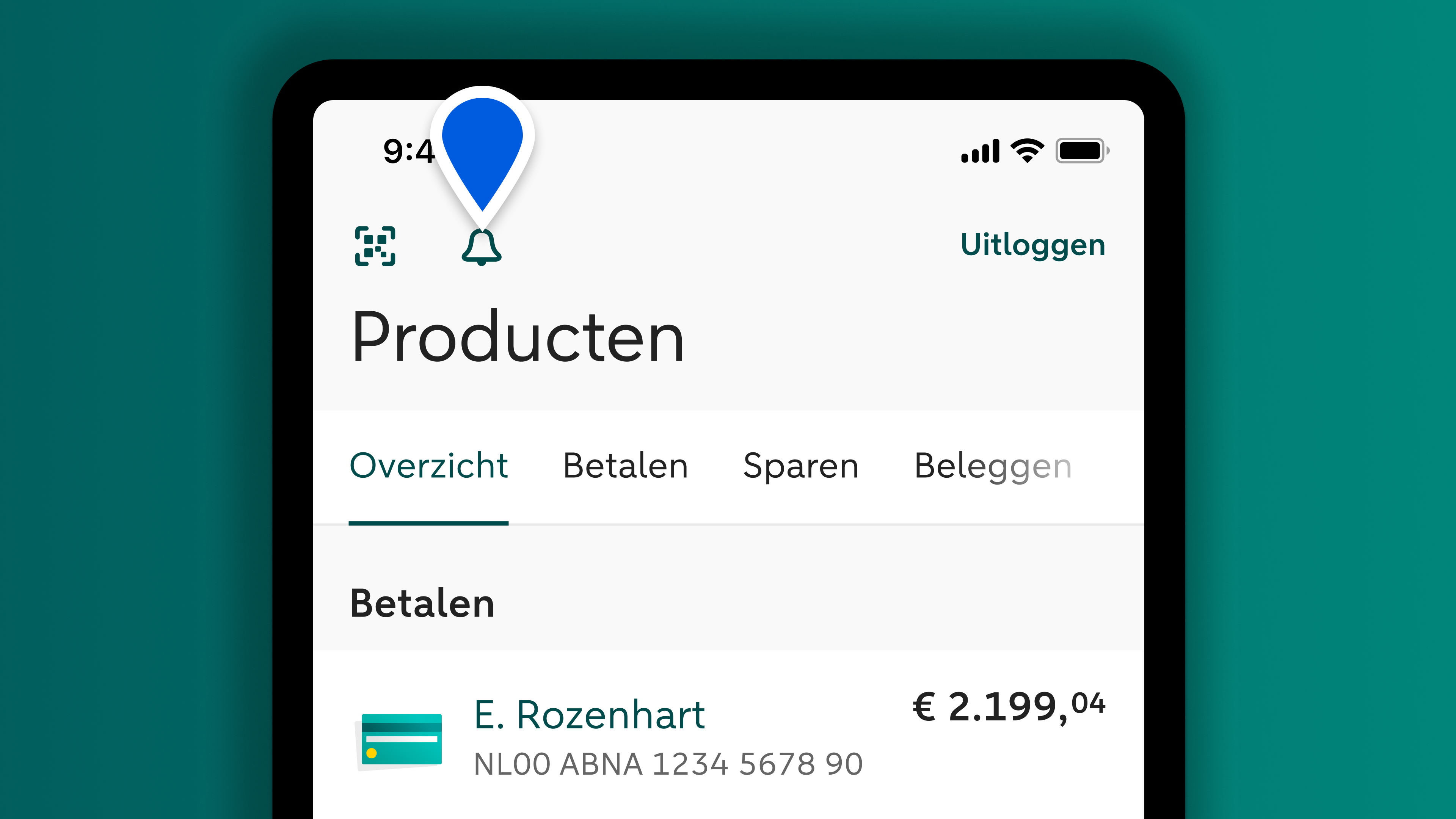
Open the message: Important: complete your details and follow the steps. It will only take you a few minutes.

The way you log in for your daily banking will stay the same
Your password does not replace your 5-digit identification code. Save or remember your password in case you need it again later.


Ask chatbot Anna your question right away
Chatbot Anna can answer your questions day and night. If Anna is not able to help, you will automatically see the phone number you need to call. That way you will get the right help directly.
Why do I need to complete my details?
How it works
What you can do if it does not work
Your data and security
Can we help you with anything else?
In case you have any other questions

