

Budgets in the ABN AMRO app
Get more control over your spendings
Have you ever spent too much on groceries, dining out or small everyday purchases without realising? If so, set up a budget in the ABN AMRO app. The app automatically tracks your spending and shows if you are staying within your budget. This way, you always know where you stand and can adjust if needed.
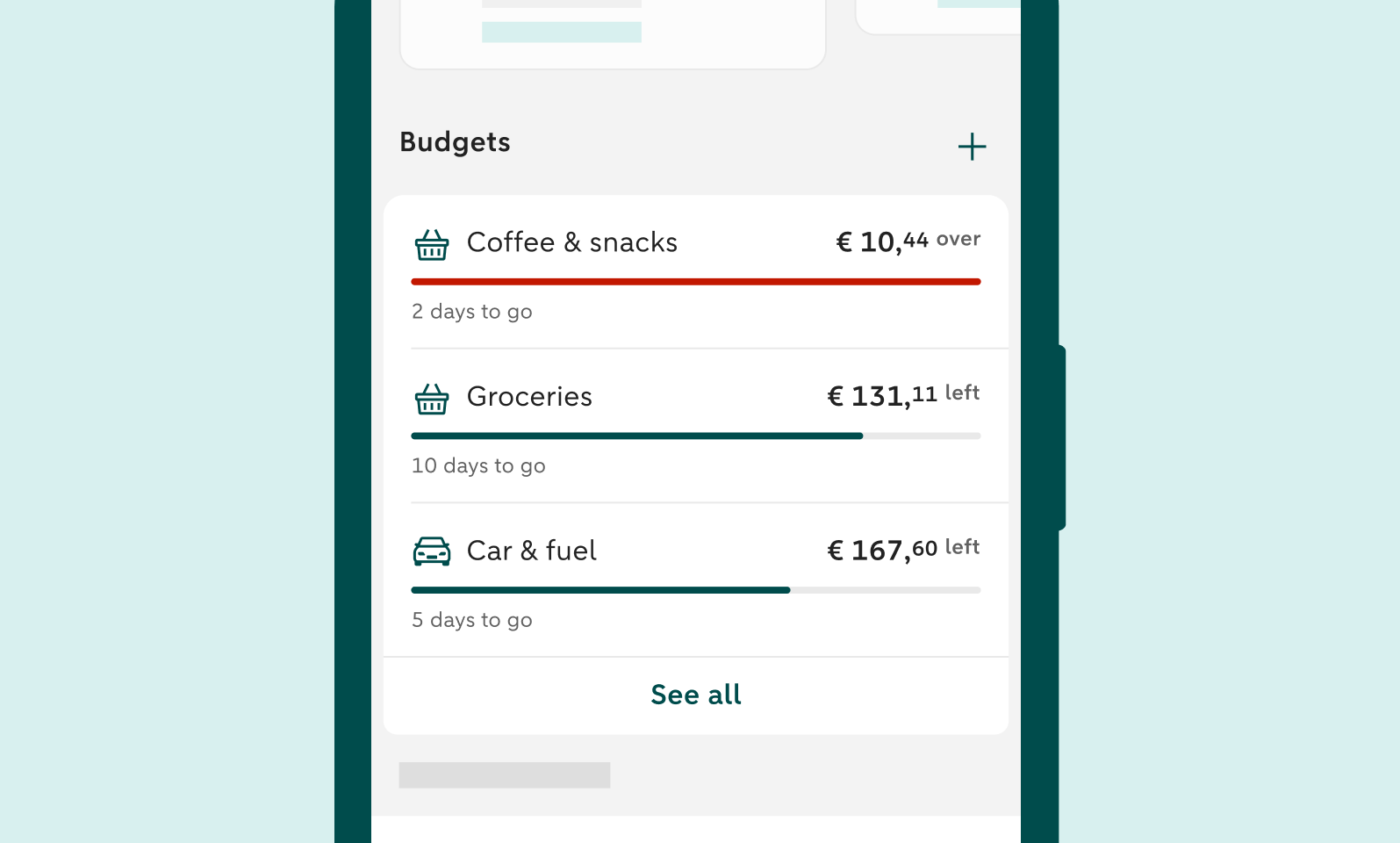
You choose, the app keeps track
With Budgets, you decide what you want to keep an eye on, and the app helps you stay on track. You set your own budget and choose a category, a period and an amount that fits your plans. You can immediately see how much you still have left to spend and how long your budget still needs to last. If your budget is no longer right for you, or your plans change, you can easily adjust the amount.
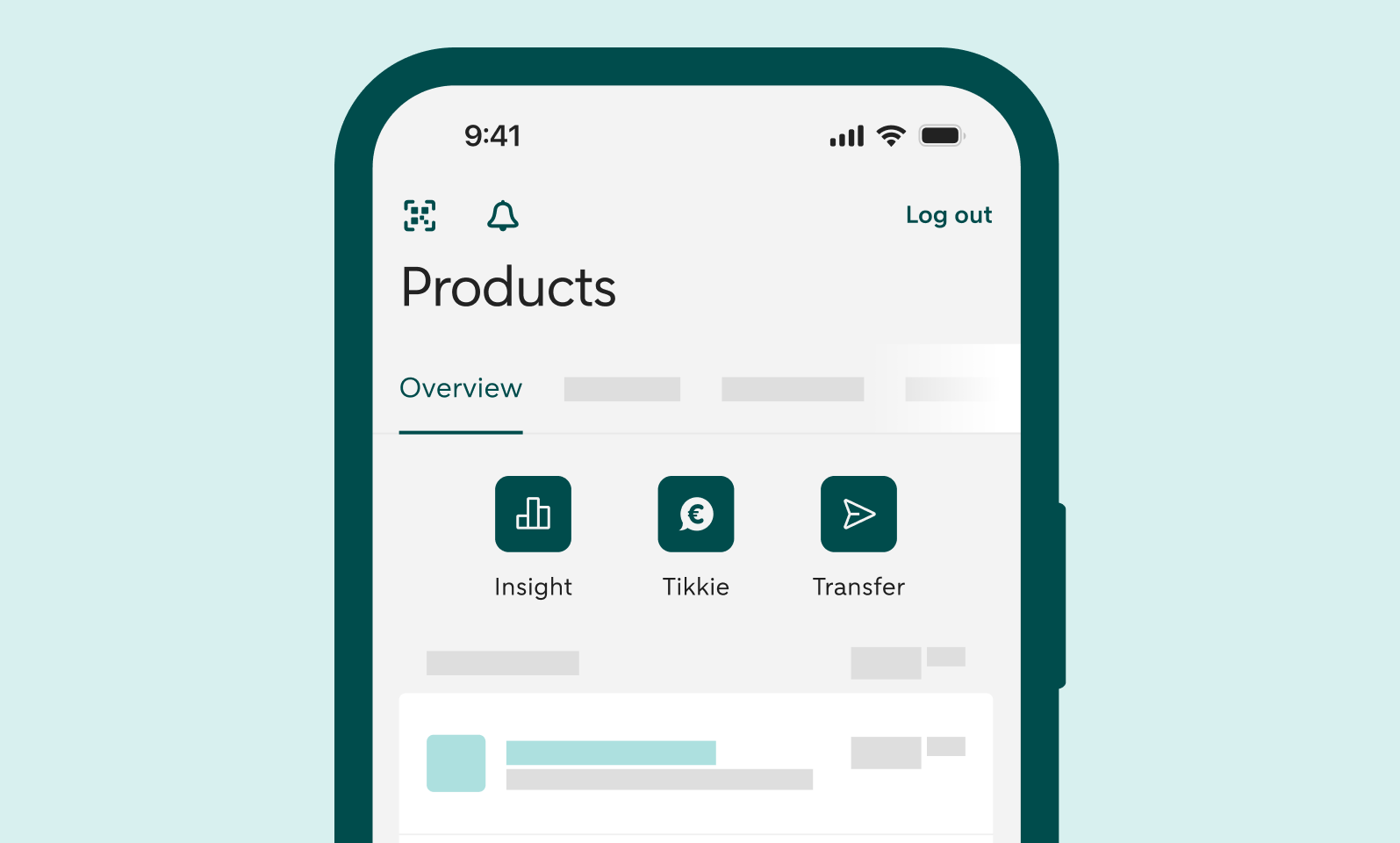
Want to use Budgets? First turn on Insights
To use Budgets, you first need to turn on Insights. Haven’t done this yet? Log in to the ABN AMRO app. On your overview screen, you will see a button Insights. Tap it. Then tap Turn on Insights. Follow the steps and, in the final step, tap on the green button to give your consent. It may take a few minutes before Insights appears.
How to set up Budgets
Create a budget
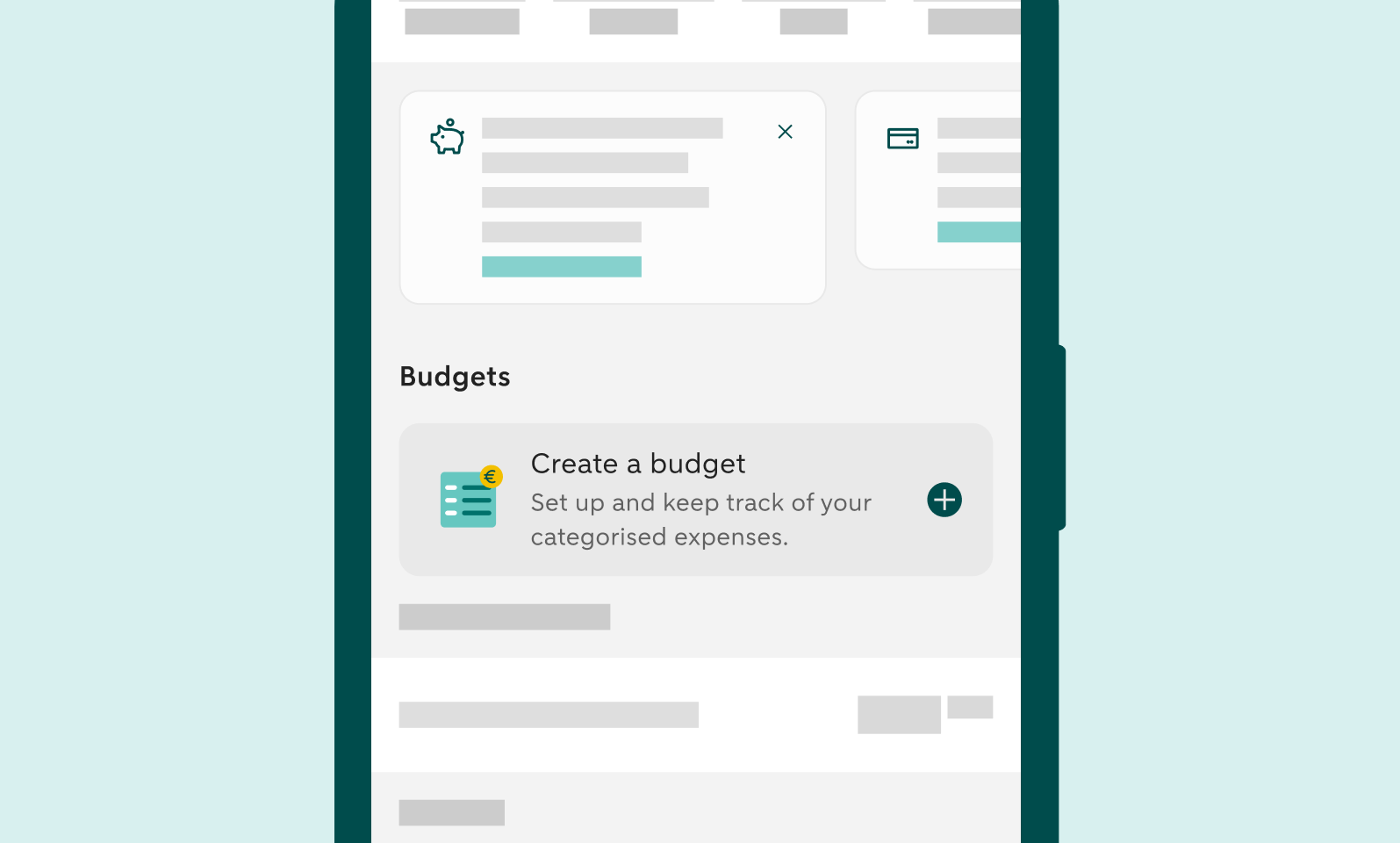
- Go to Insights.
- Tap Set up budget.
- Choose the category for which you want to create a budget.
- Choose the period.
- Enter the amount.
Your budget will then appear in Insights. Here, you can see at a glance how many days you still have to go and how much of your budget is left.
Change a budget
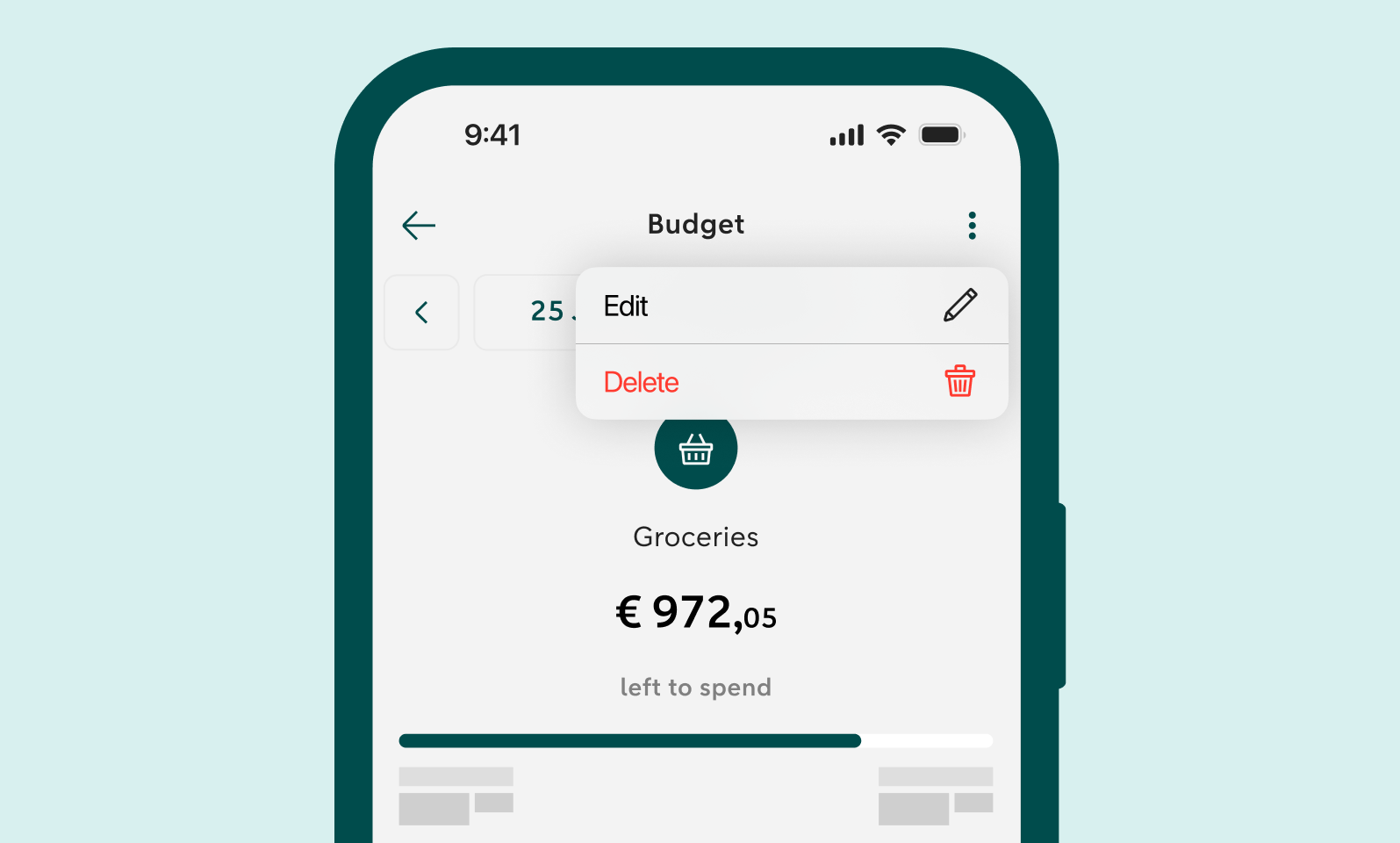
Want to adjust a budget? You can change the amount as follows:
- Open the budget you want to adjust.
- Tap the three dots in the top right corner.
- Select Edit.
- Adjust the amount.
You cannot change the period. If you want to adjust it, you will need to delete the budget and create a new one.