
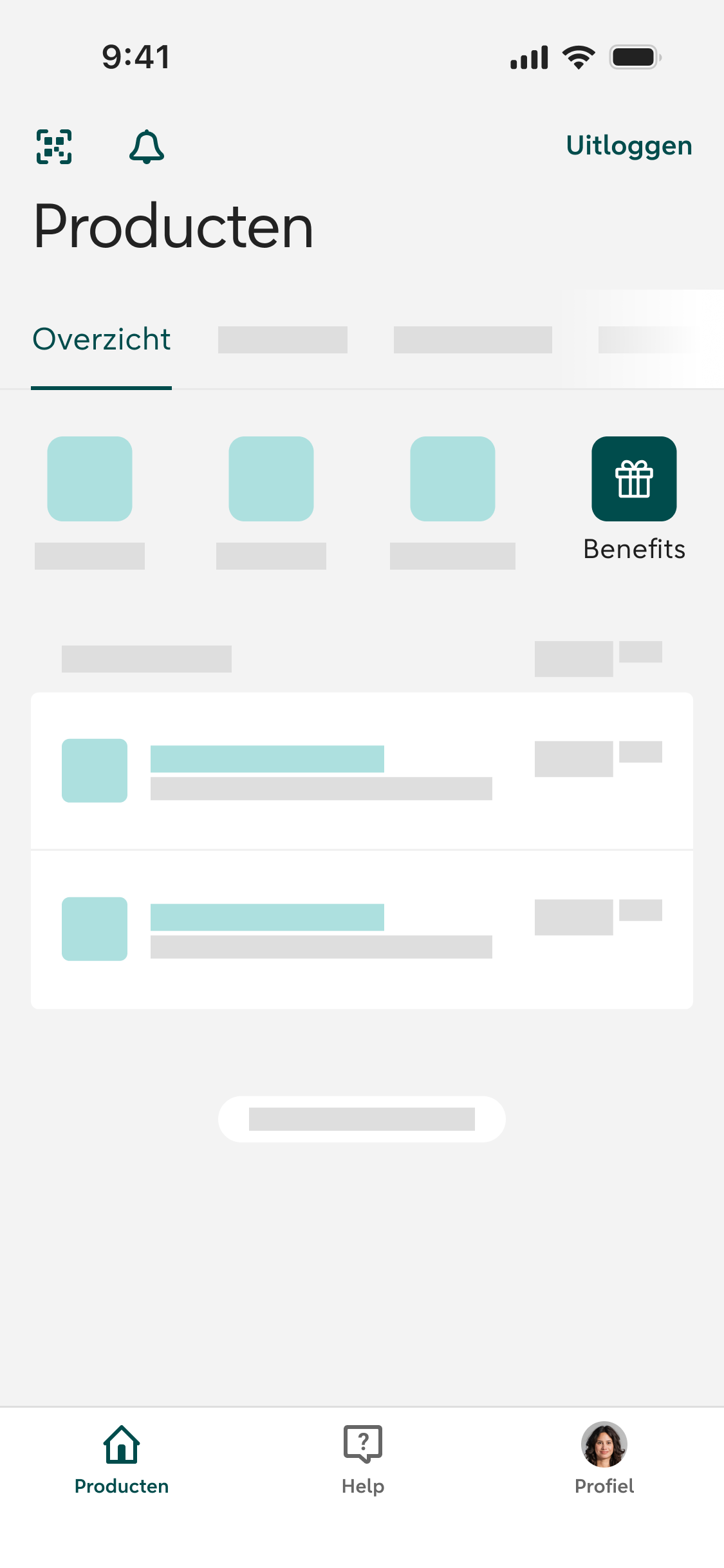

Benefits in the ABN AMRO app
Exclusively for Preferred Banking clients


New: discover Benefits in the app
- Exclusive to Preferred Banking clients
- Direct access to your Benefits
- Discover new benefits and offers regularly
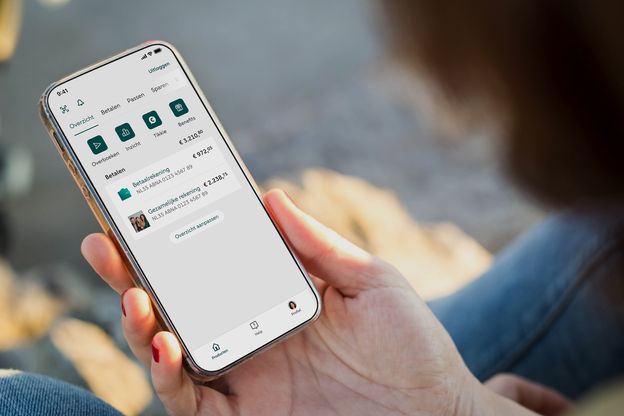
How to access Benefits
- Log in to the ABN AMRO app
- Tap the Benefits icon in the top-right corner of the app's home screen
- You'll be automatically signed in to the Benefits environment and can start enjoying all available Benefits straight away
Because you're already logged in to the ABN AMRO app, you'll be automatically signed in to Benefits. There's no need to log in again.

Can't see the Benefits icon?
When you tap the Benefits icon:
- Check that you’re using the latest version of the app
- Benefits are only available to Preferred Banking clients
- Once Benefits are available to you, the icon will automatically appear in the app
Exclusively for Preferred Banking clients
Benefits are available exclusively to Preferred Banking clients. That's why the Benefits icon is only visible if you're a Preferred Banking client.
Can't see the icon? Make sure you're using the latest version of the ABN AMRO app and are logged in.