
Help with logging in
We’ll show you step by step how to log in with the e.dentifier. If you don’t see a log-in button, or if you come up against another problem, read on to see what you can do.
Here's how to log in using the e.dentifier
Go to the log-in page
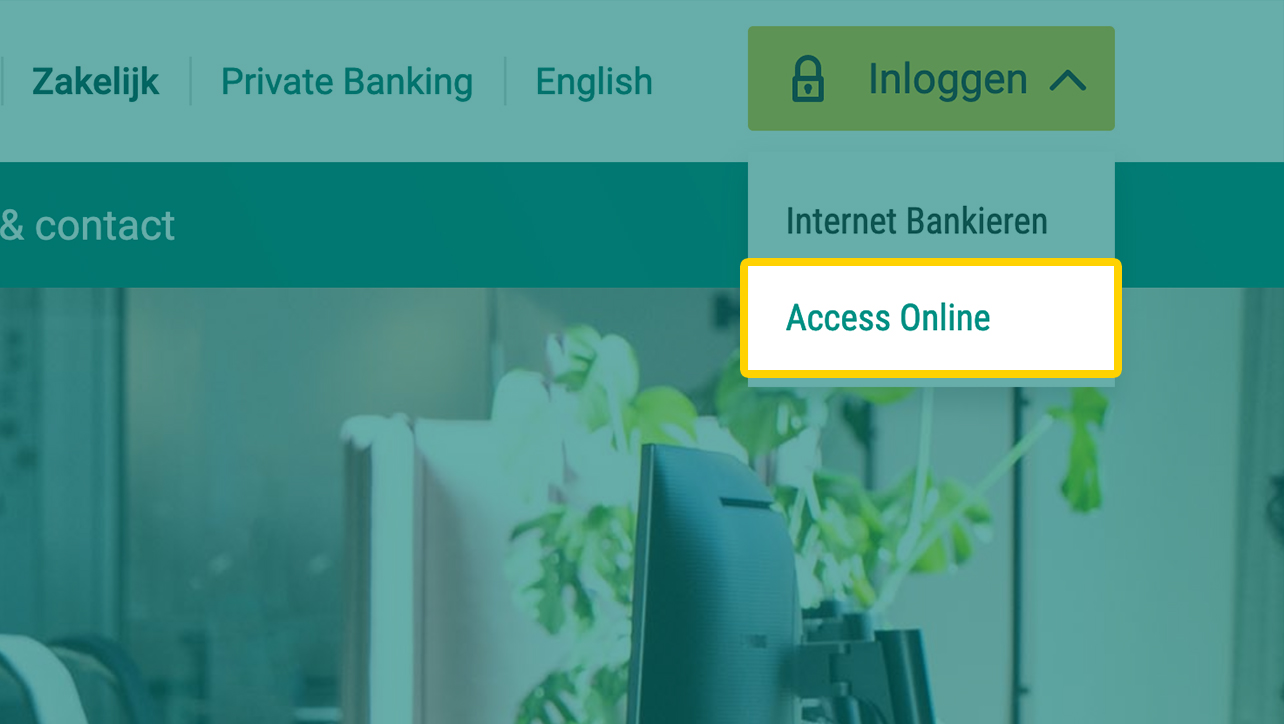
- Click the log-in button, which is in the top right-hand corner of all our webpages.
- Select Access Online
Enter your account number and card number
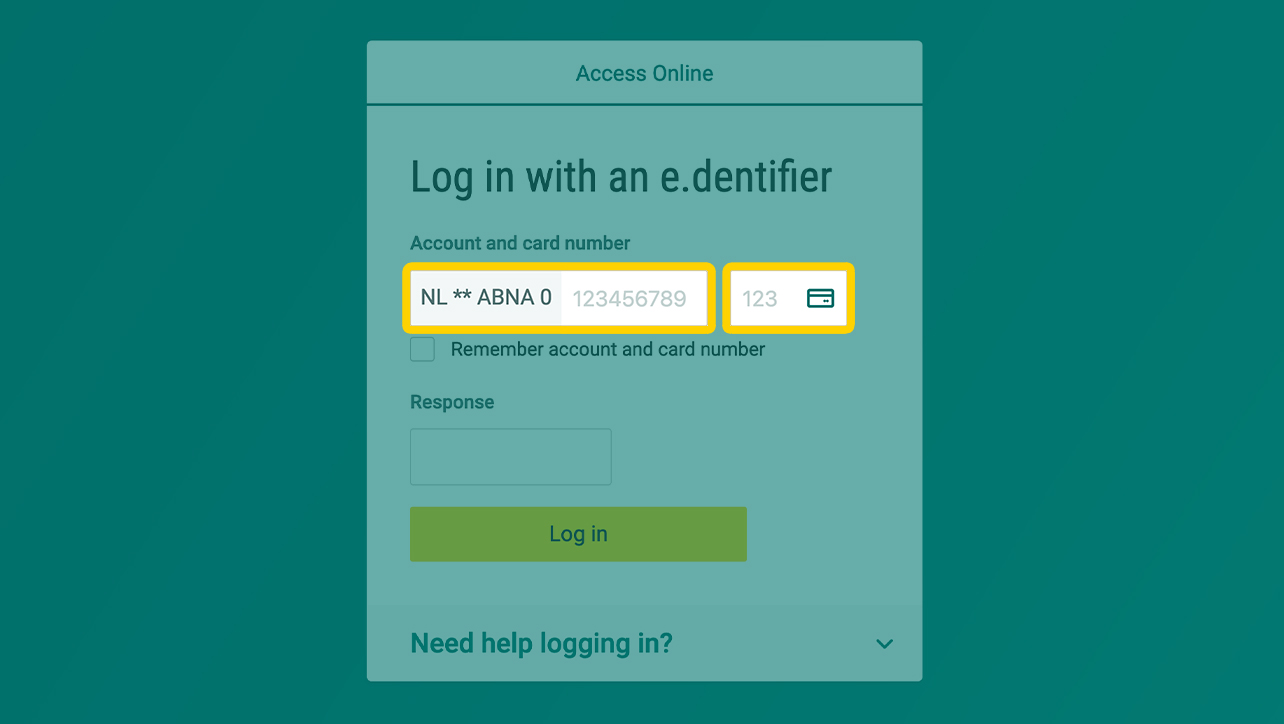
- You can find these at the bottom of your access card.
Key in your PIN

- Insert your card into the e.dentifier.
- Press 1 for "Log in" on the e.dentifier.
- Key in your PIN on the e.dentifier.
- Press OK on the e.dentifier.
- The response appears on the e.dentifier.
Enter the response
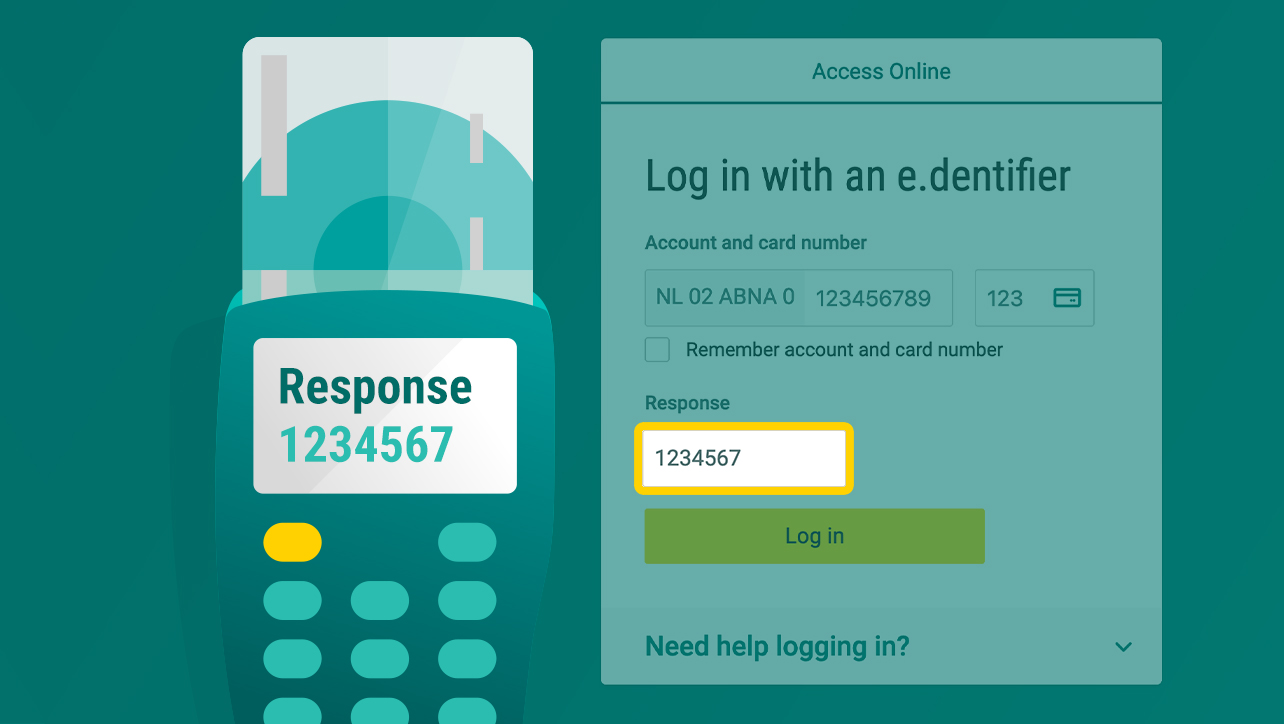
- Enter the digits from the response on your computer.
Click "Log in"
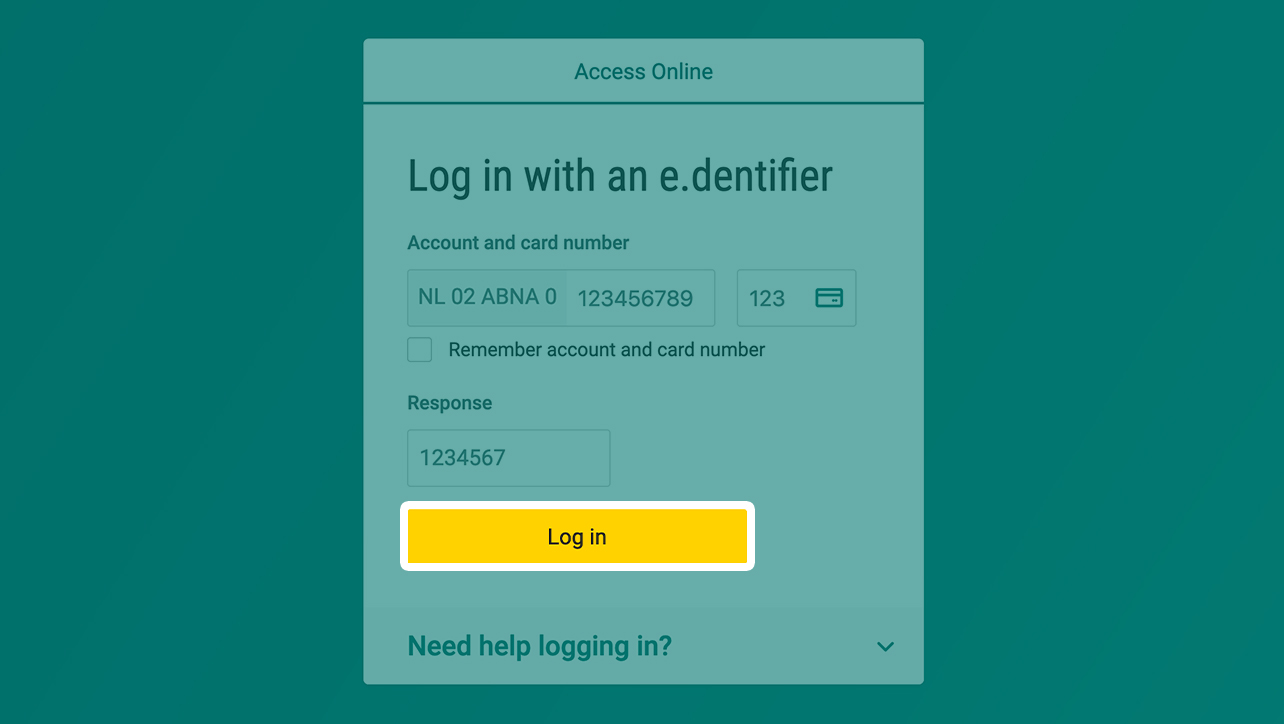
- Click "Log in"
You're now logged in

- You're now logged into Access Online.