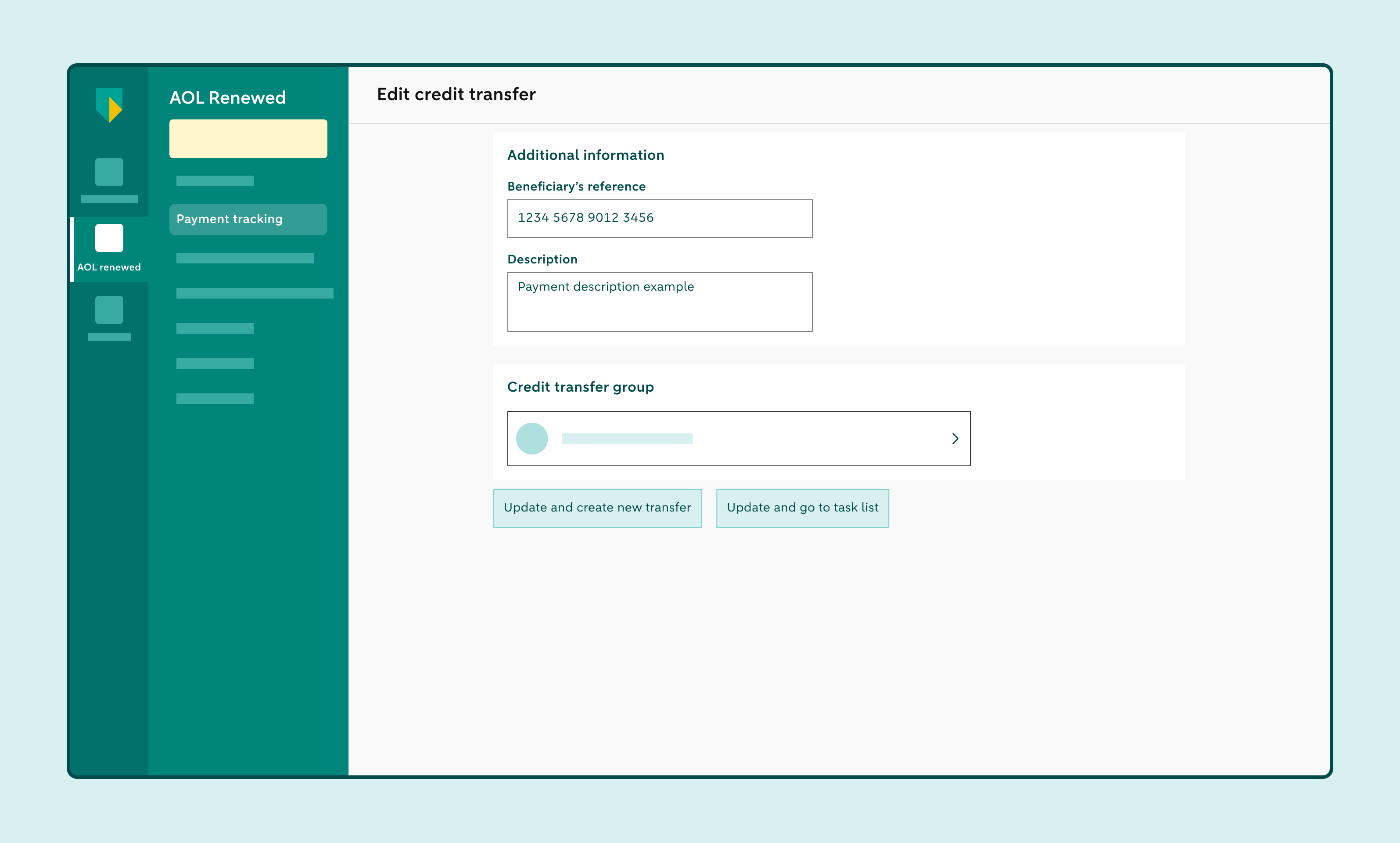
Deleting or editing a credit transfer
In Access Online Renewed, you can delete or edit a single credit transfer as long as it hasn’t yet been approved. If the credit transfer is part of a batch payment, or it’s a single credit transfer that wasn’t created manually, you can only delete the credit transfer.
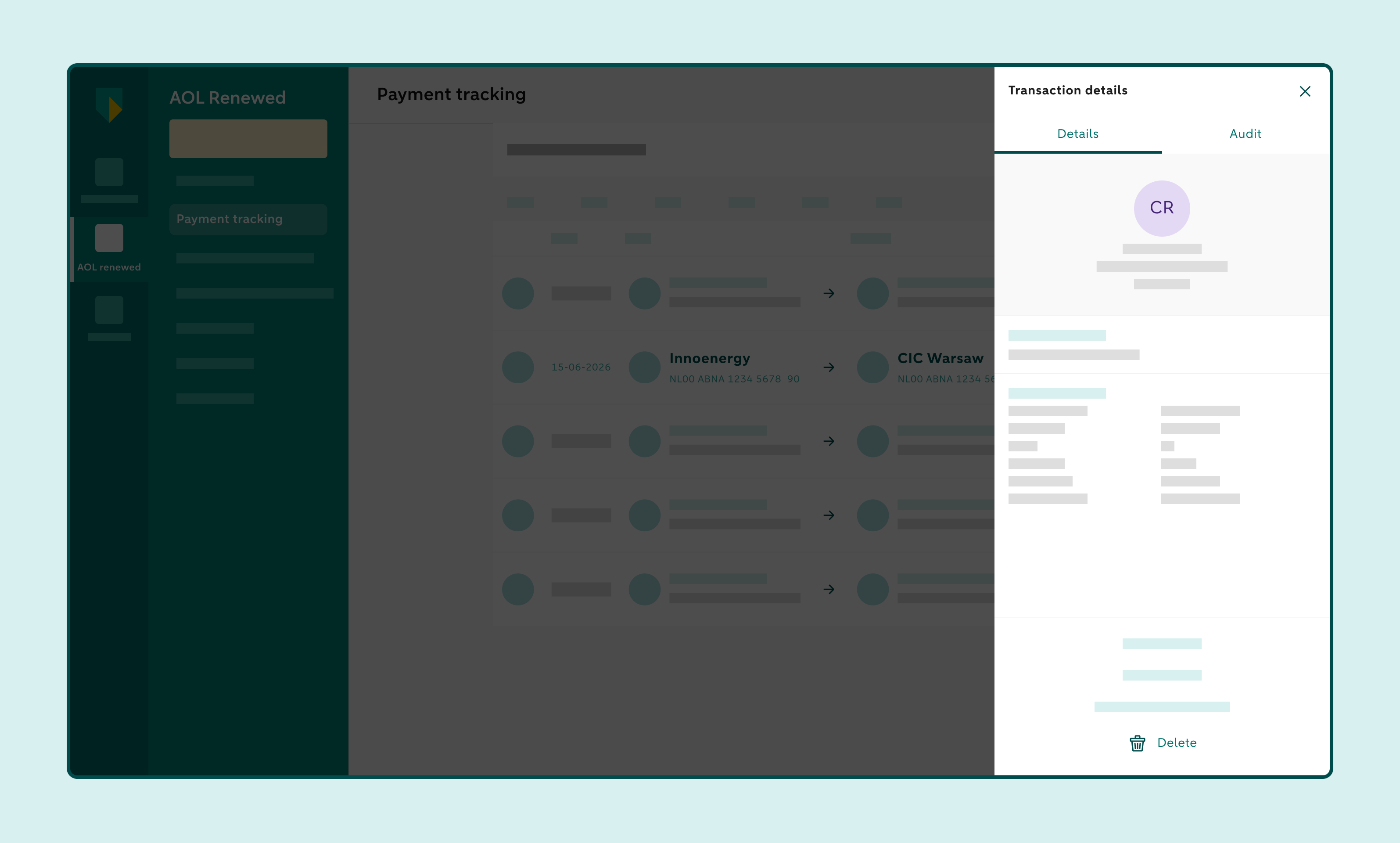
How to delete a single credit transfer
Click Track payment and select To approve
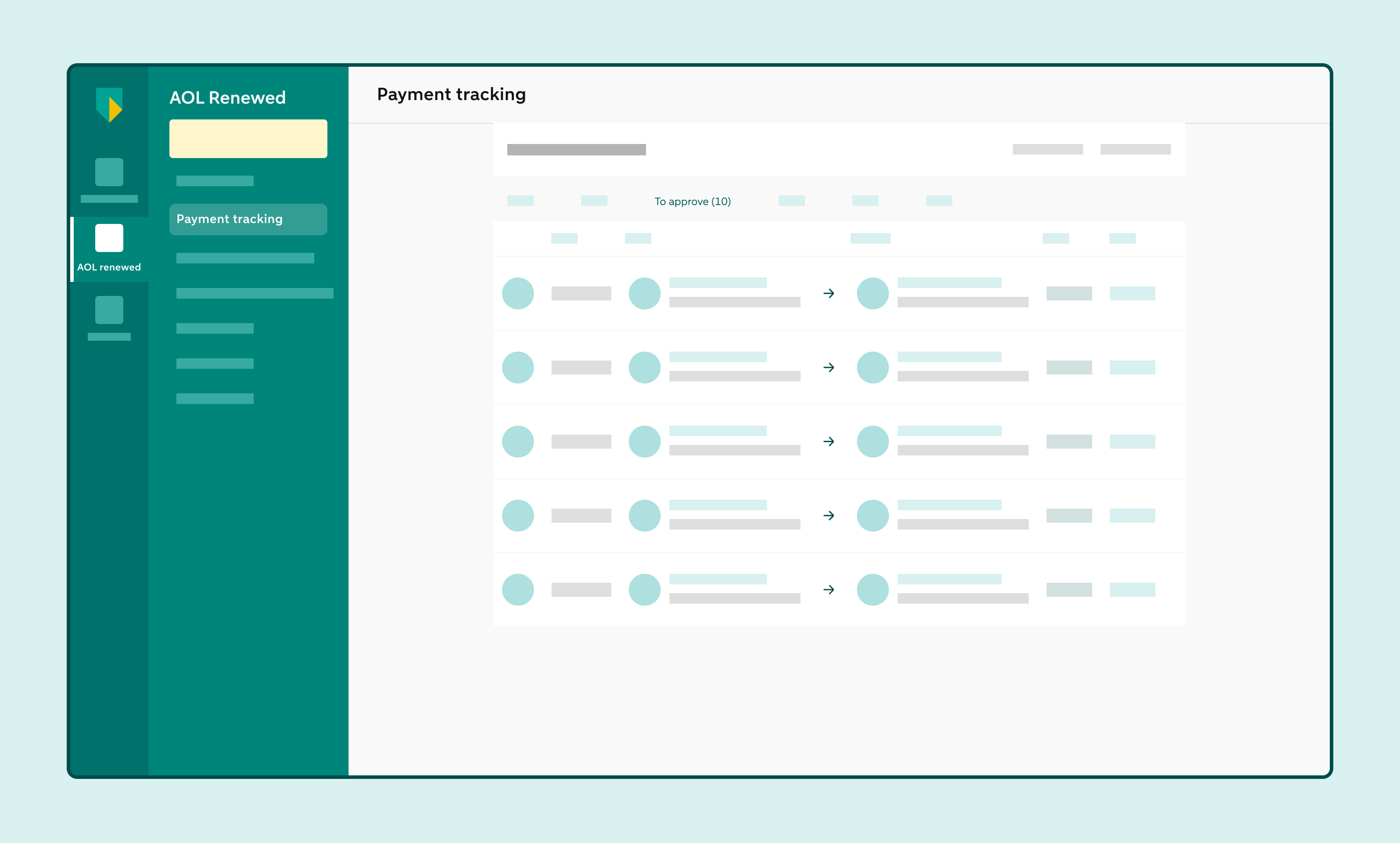
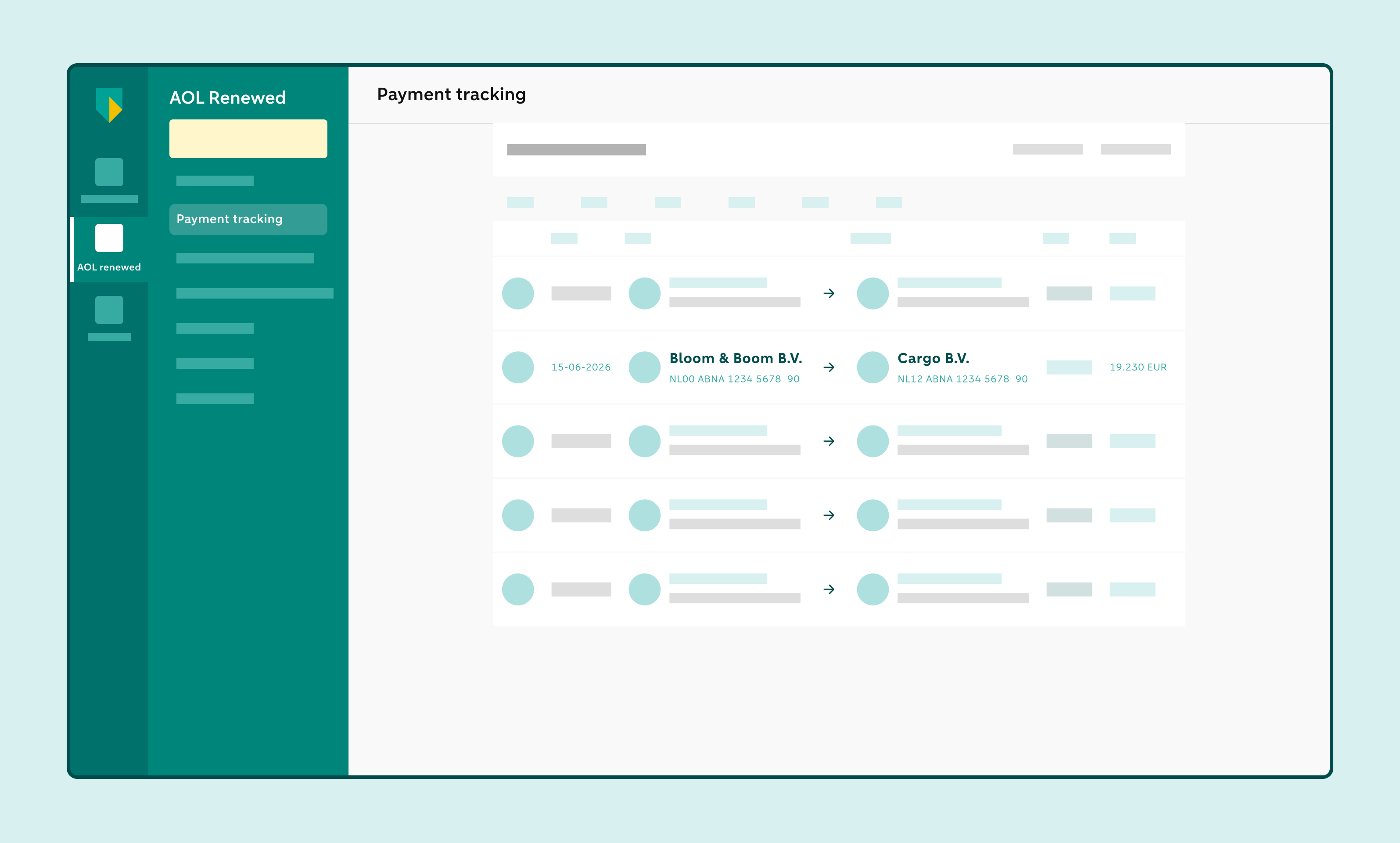
Select the credit transfer you want to delete
On the right, you’ll see the credit transfer details
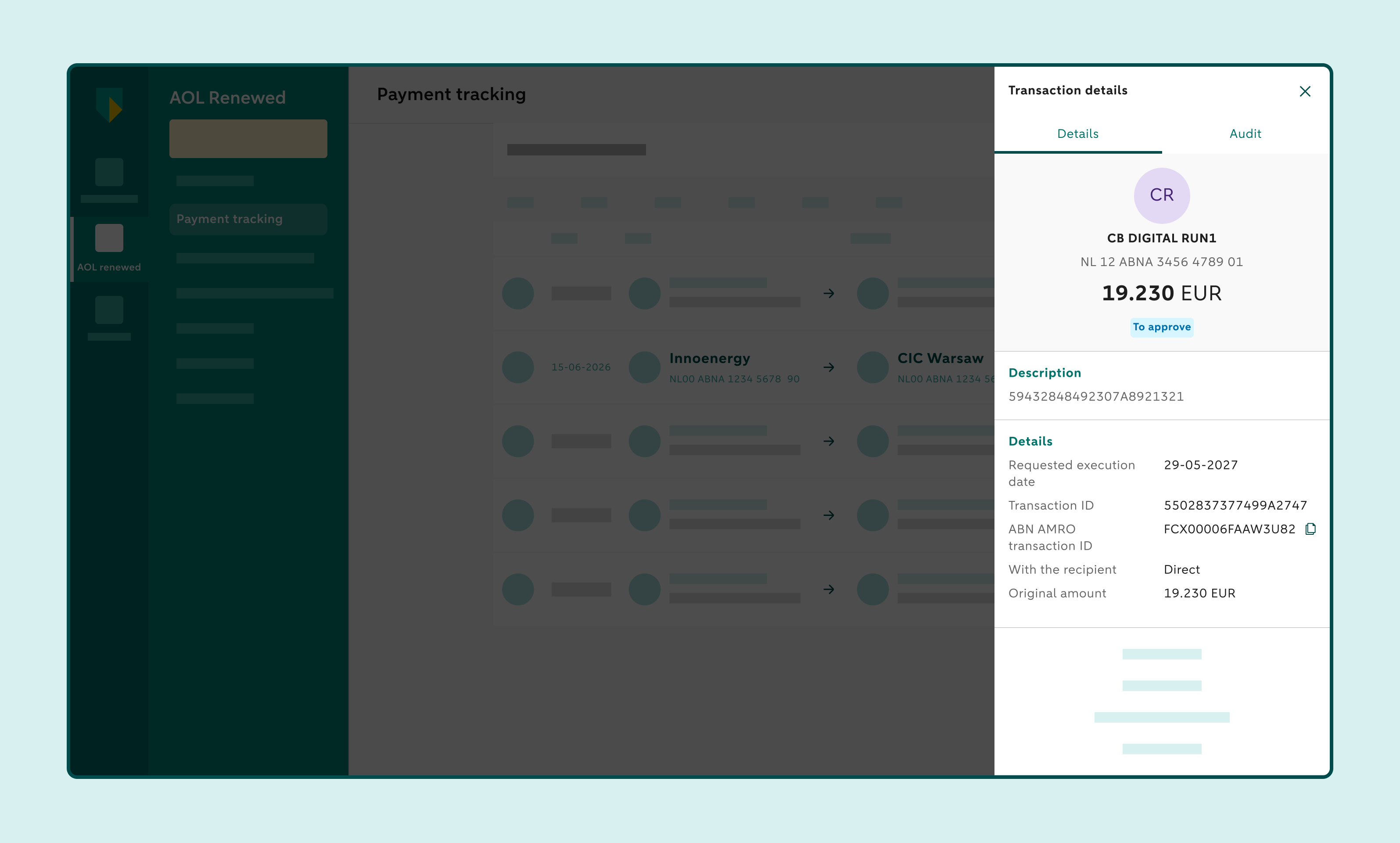
Click Delete and confirm your choice
Please note: you can only delete a credit transfer if you are also authorised to create credit transfers. This requires the Initiate single ACH payment role.
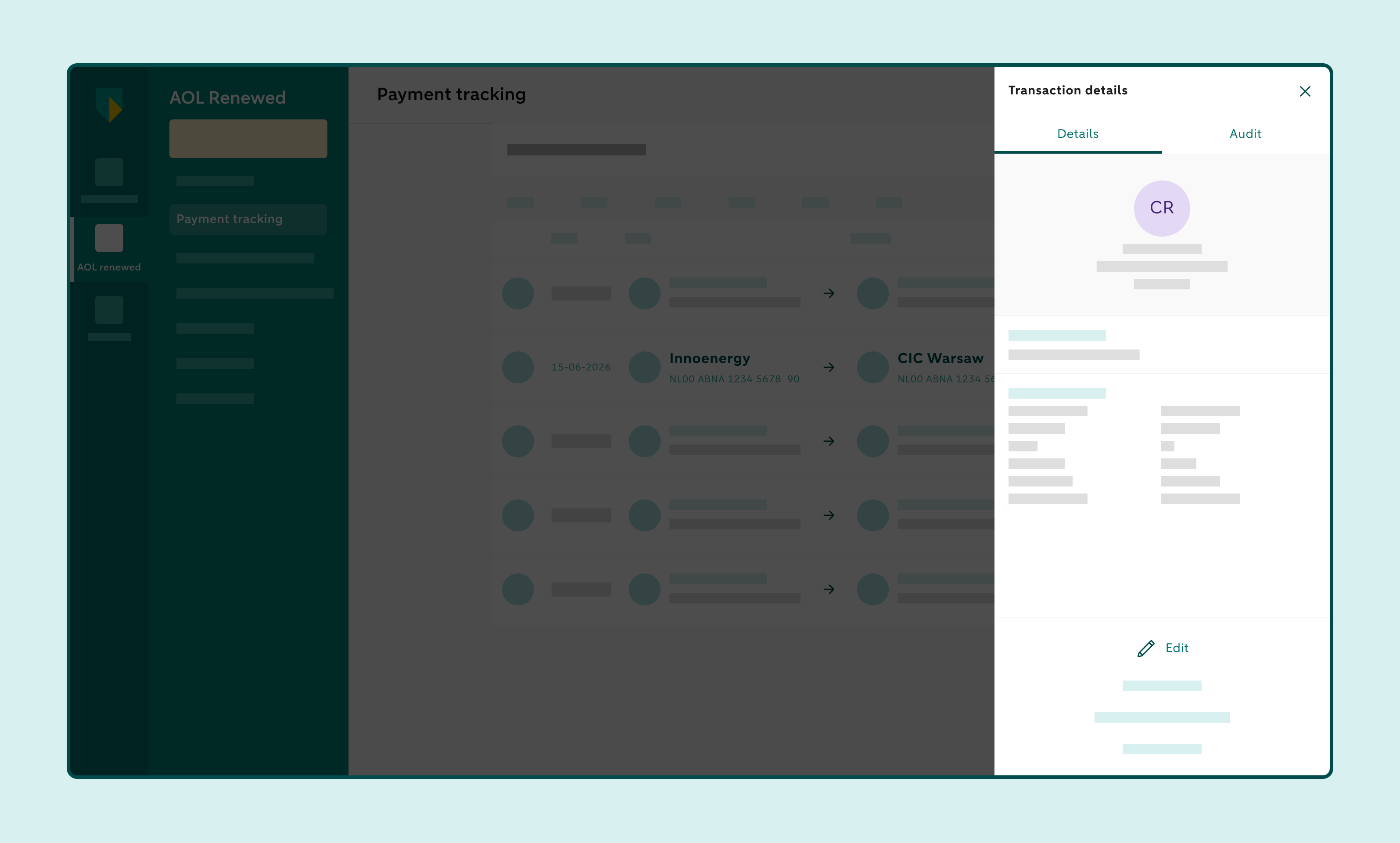
How to edit a single credit transfer
Click Track payment and select To approve
Select the credit transfer you want to edit
On the right, you’ll see the credit transfer details
Click Edit
Edit the details
A new screen will appear where you can edit the details.
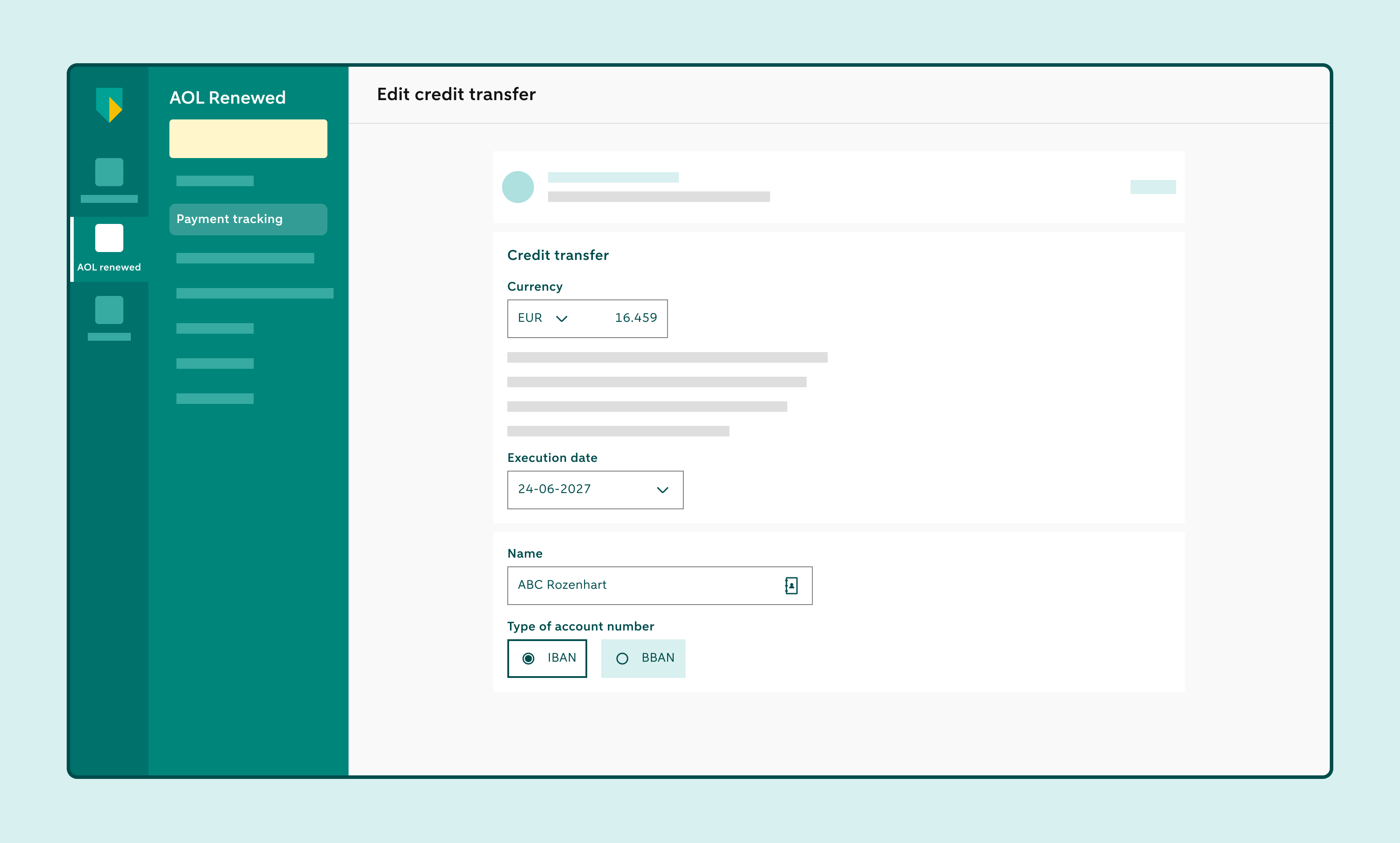
Once you've made all the required edits, click Update and new credit transfer or Update and go to the task list