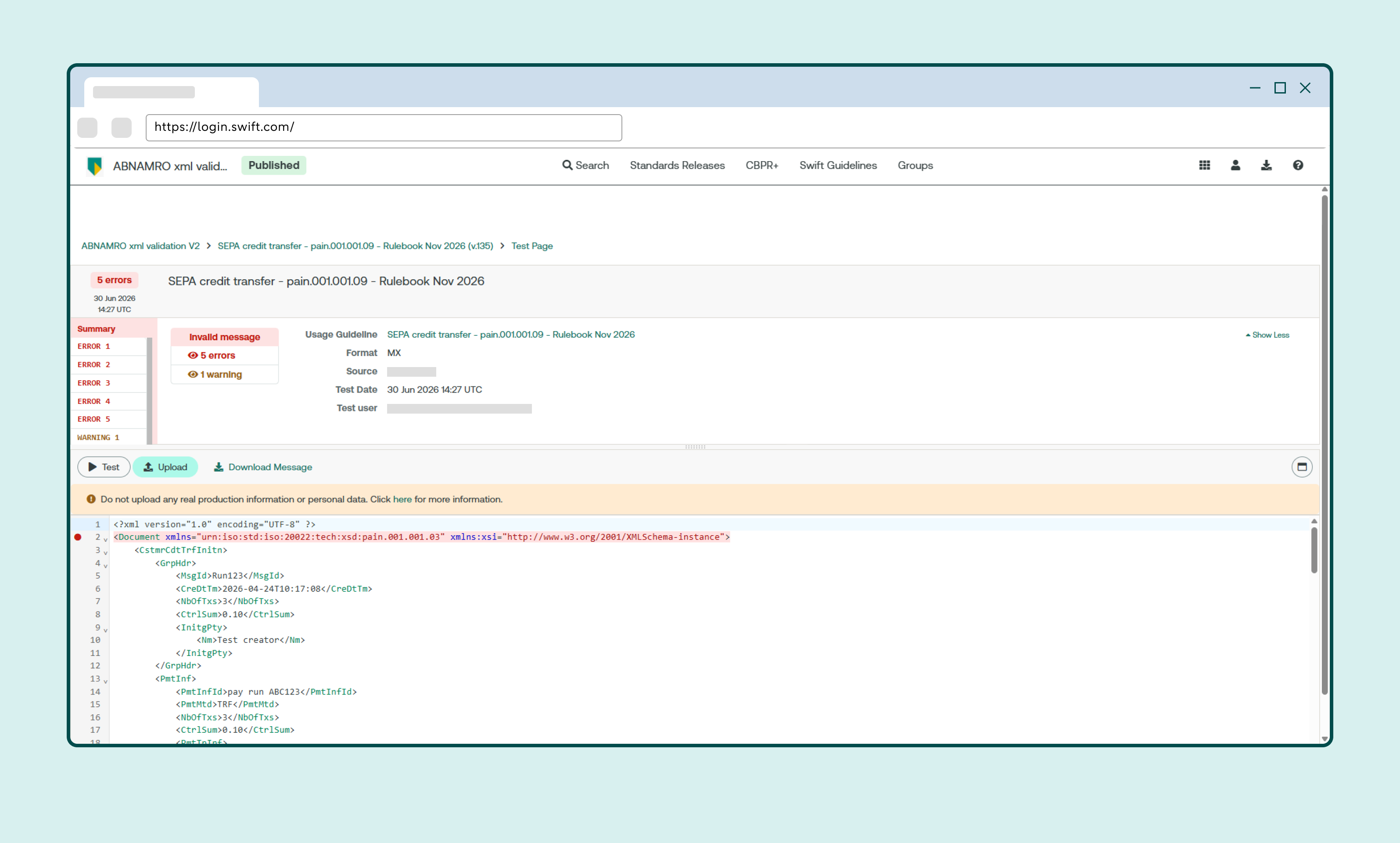
Testing payment files using SWIFT MyStandards
SWIFT MyStandards, SWIFT’s test portal, lets you check whether payment files comply with the agreed standards. Testing a payment file in advance helps prevent the file from being rejected in Access Online.
How to create a SWIFT account
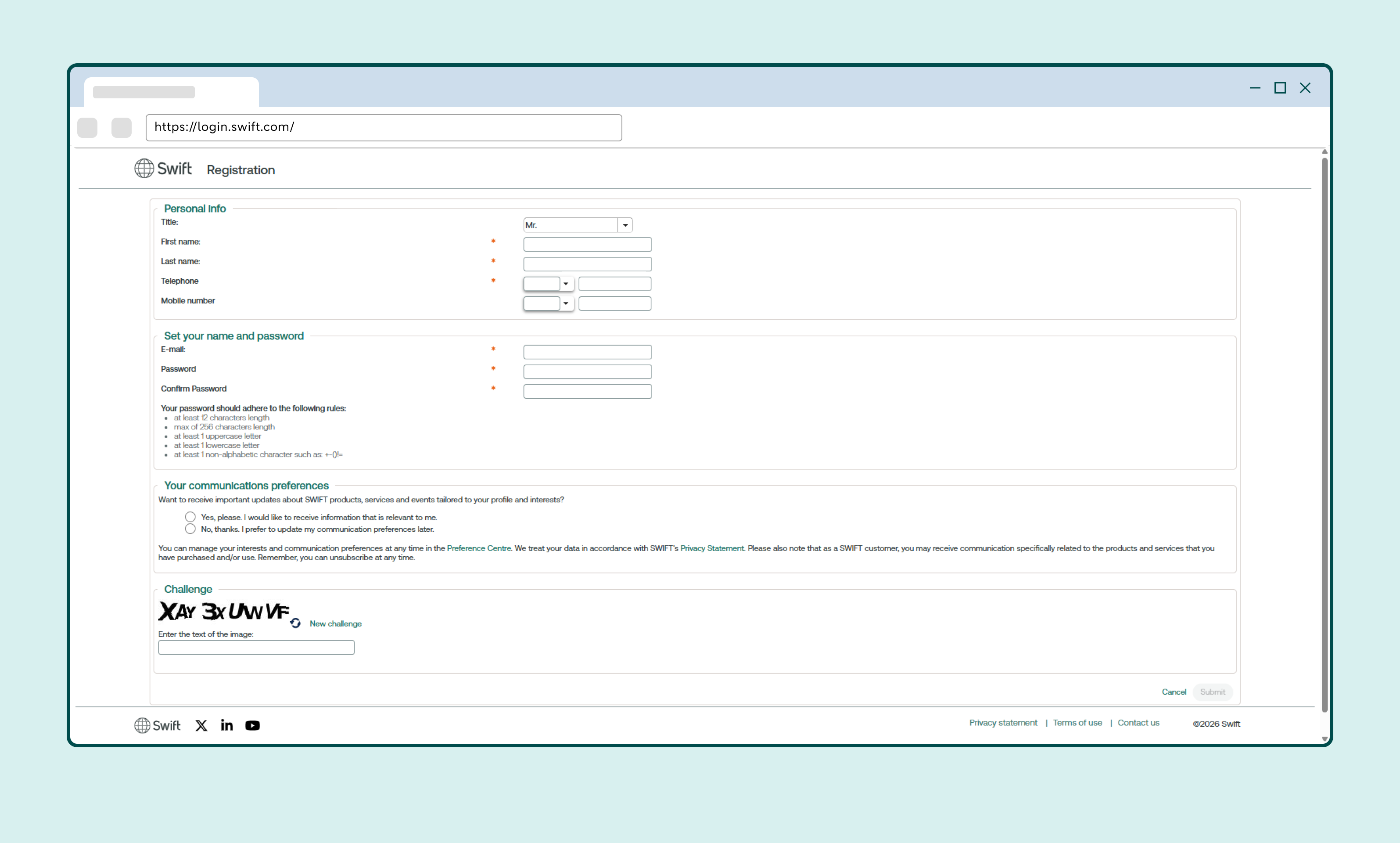
Create a SWIFT account
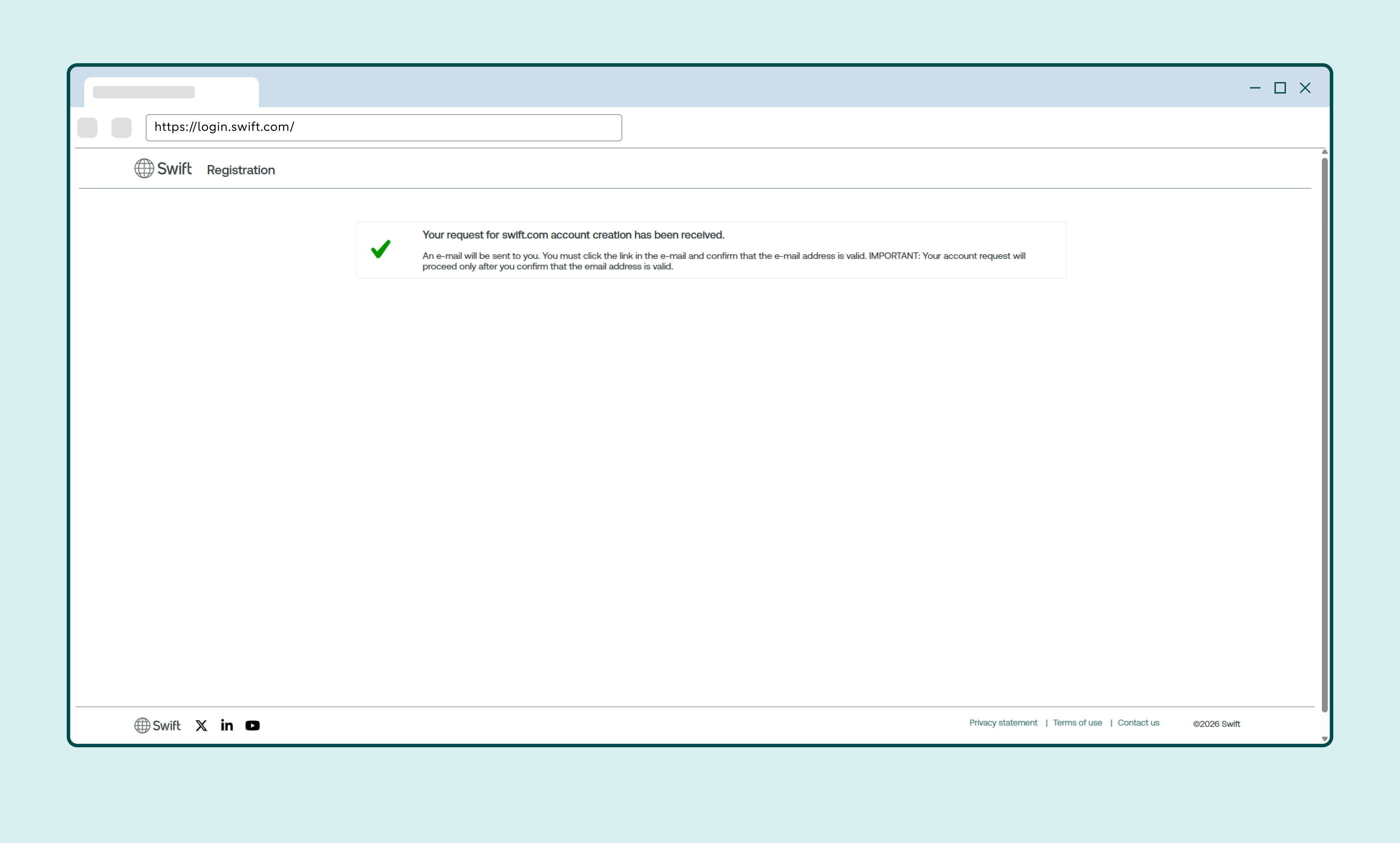
Confirm your account by clicking the link in the email from registration.request@swift.com
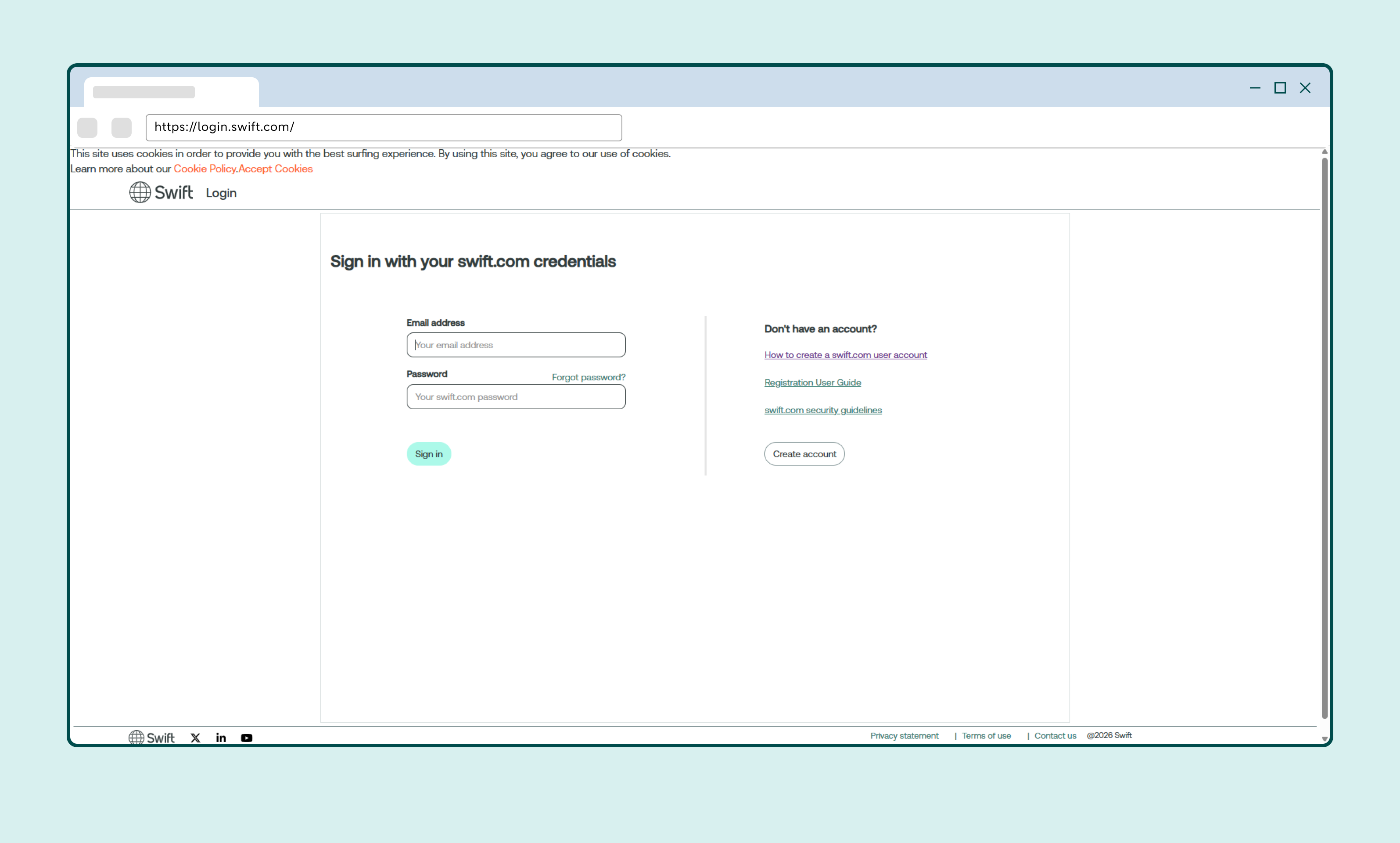
Set up two-factor authentication the first time you use the account
How to set up MyStandards
Click My Tools and select MyStandards
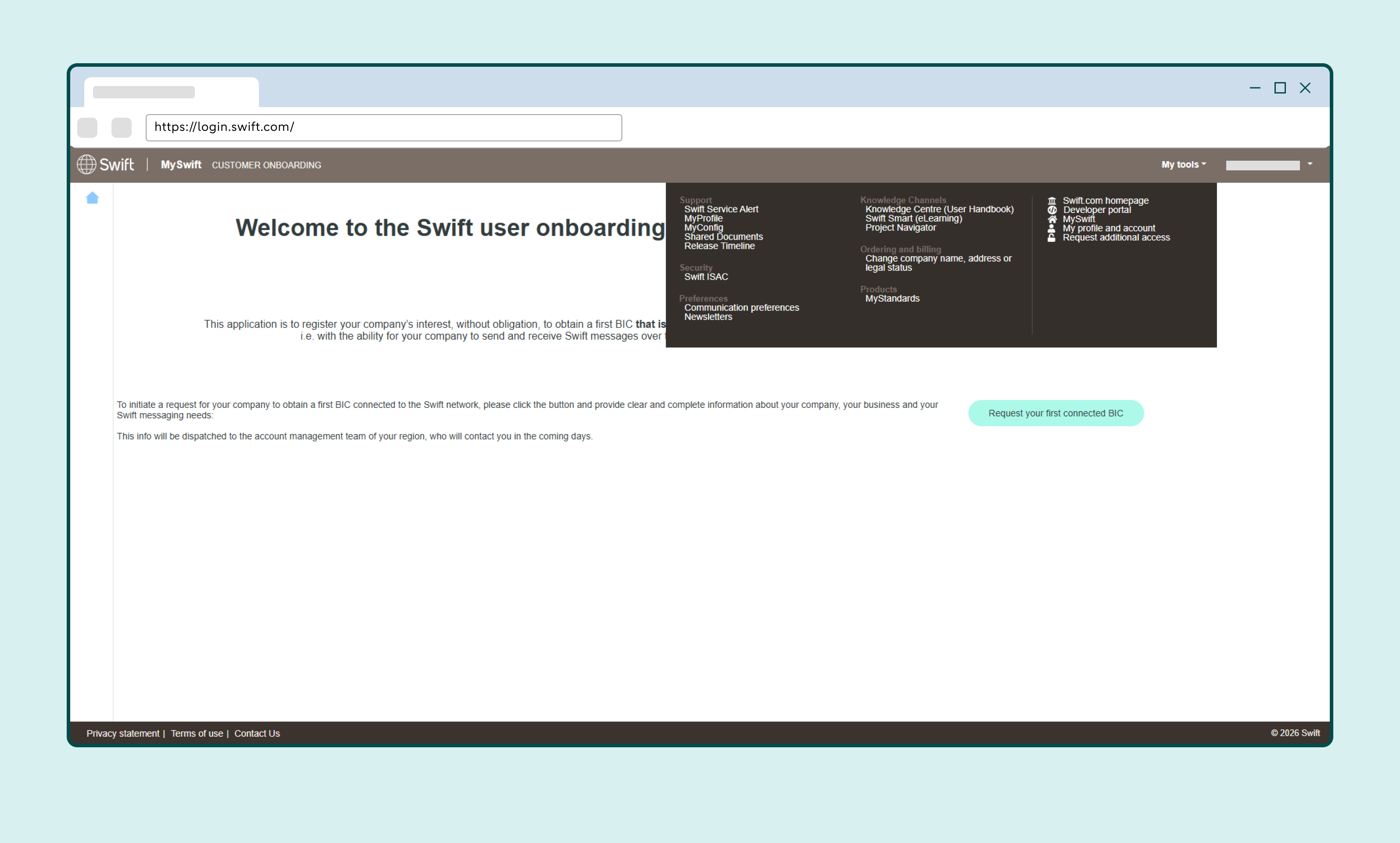
Accept the terms and conditions
Click Groups
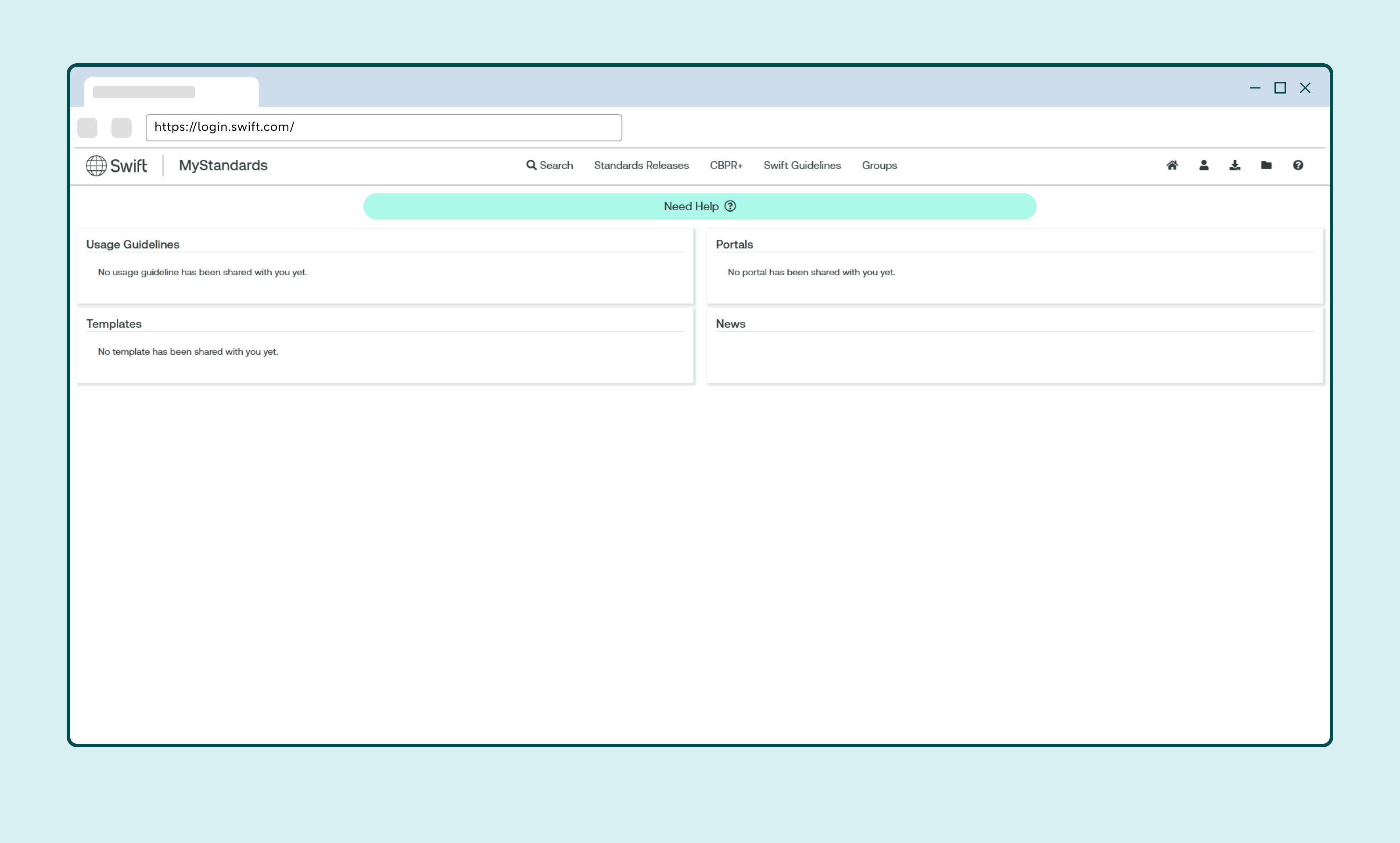
Search for ABN AMRO
Select ABN AMRO Digital Banking and then Transaction Banking
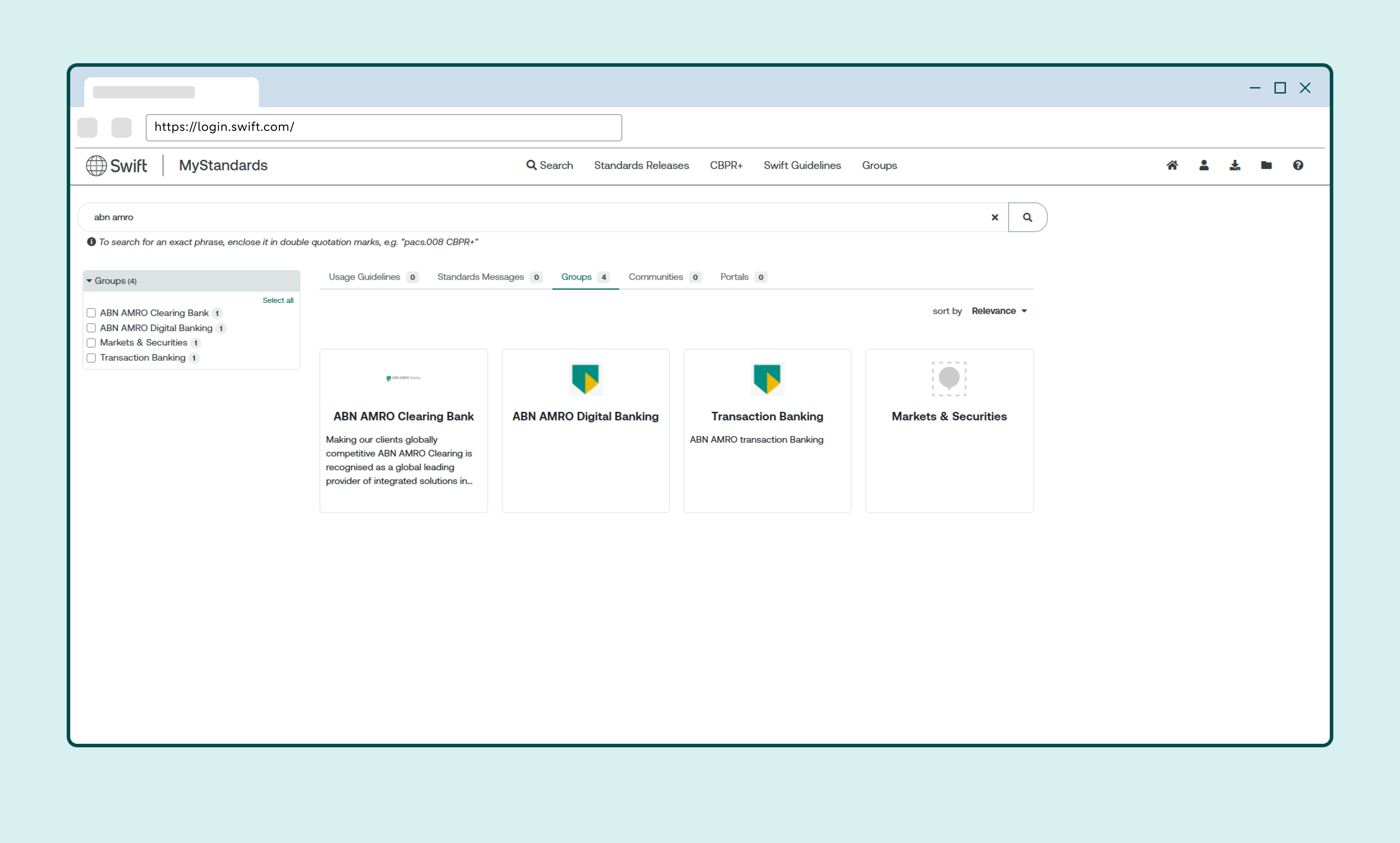
Click Request access
You will automatically be granted access.
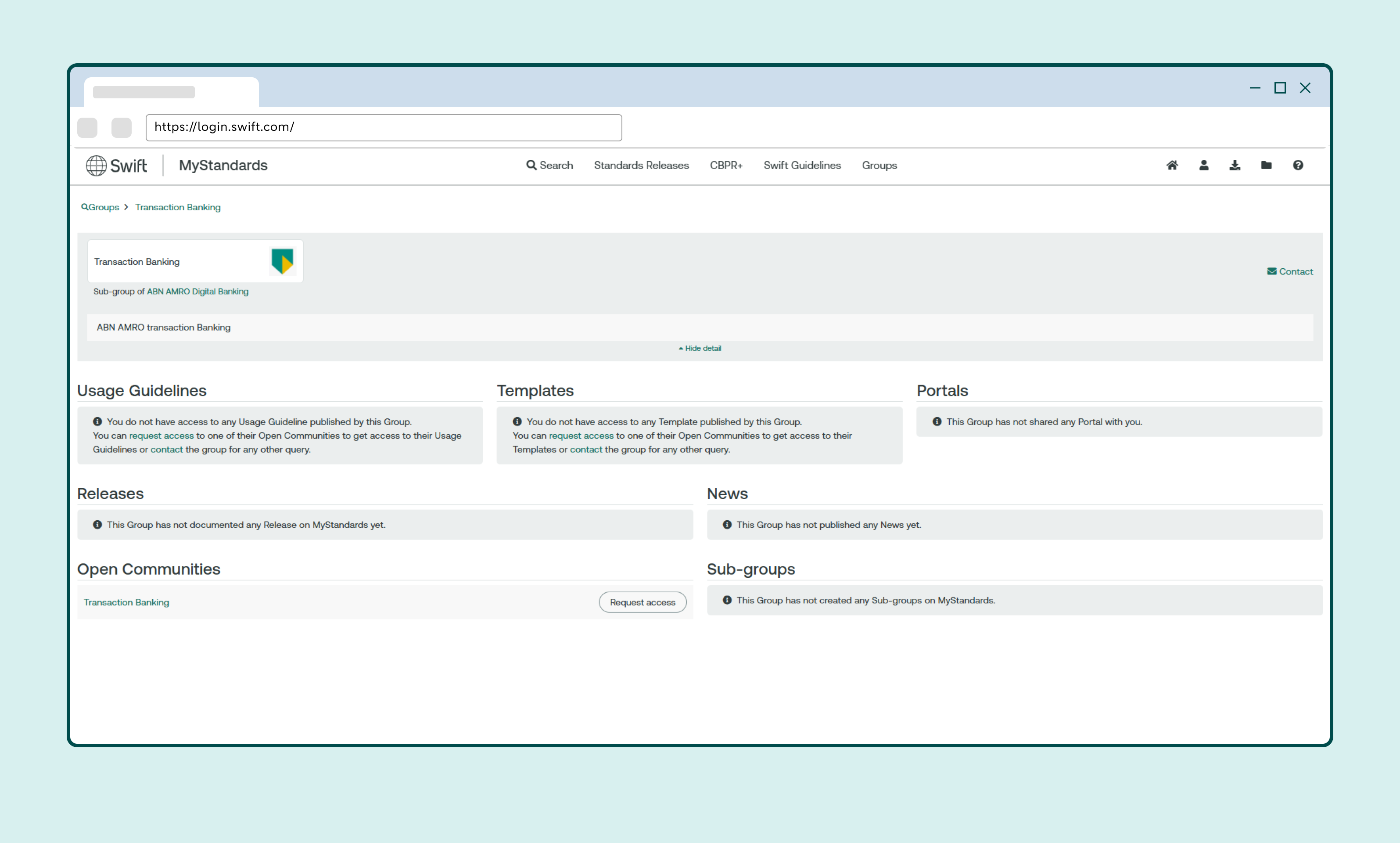
Refresh the page
Click ABN AMRO XML Validation V2
You’ll now see the ABN AMRO test portal. It’s a good idea to add this page to your browser favourites.
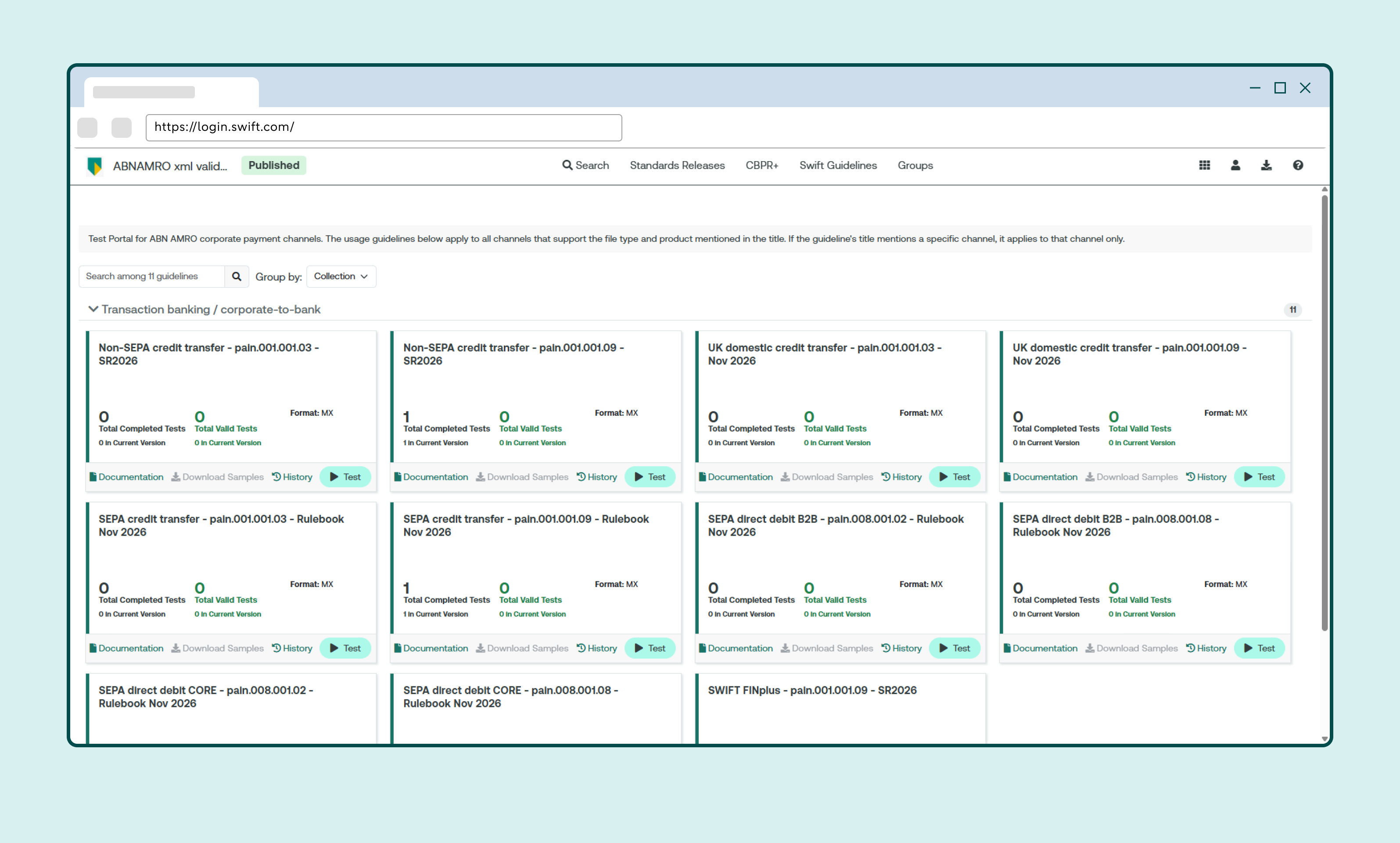
Important before testing an XML file
- It’s best to use the latest file formats:
- pain.001.001.09 for credit transfers
- pain.008.001.08 for direct debits - Anonymise test files before uploading them to MyStandards.
- You can also download the XSD from MyStandards to test files locally.
The following data doesn’t need to be anonymised:
- Account number / IBAN
- Chamber of Commerce (KvK) number
- BC number
- Cadastral number
- Contract number
How to test a SEPA or non-SEPA XML file
Click Test
Upload the XML file you want to test
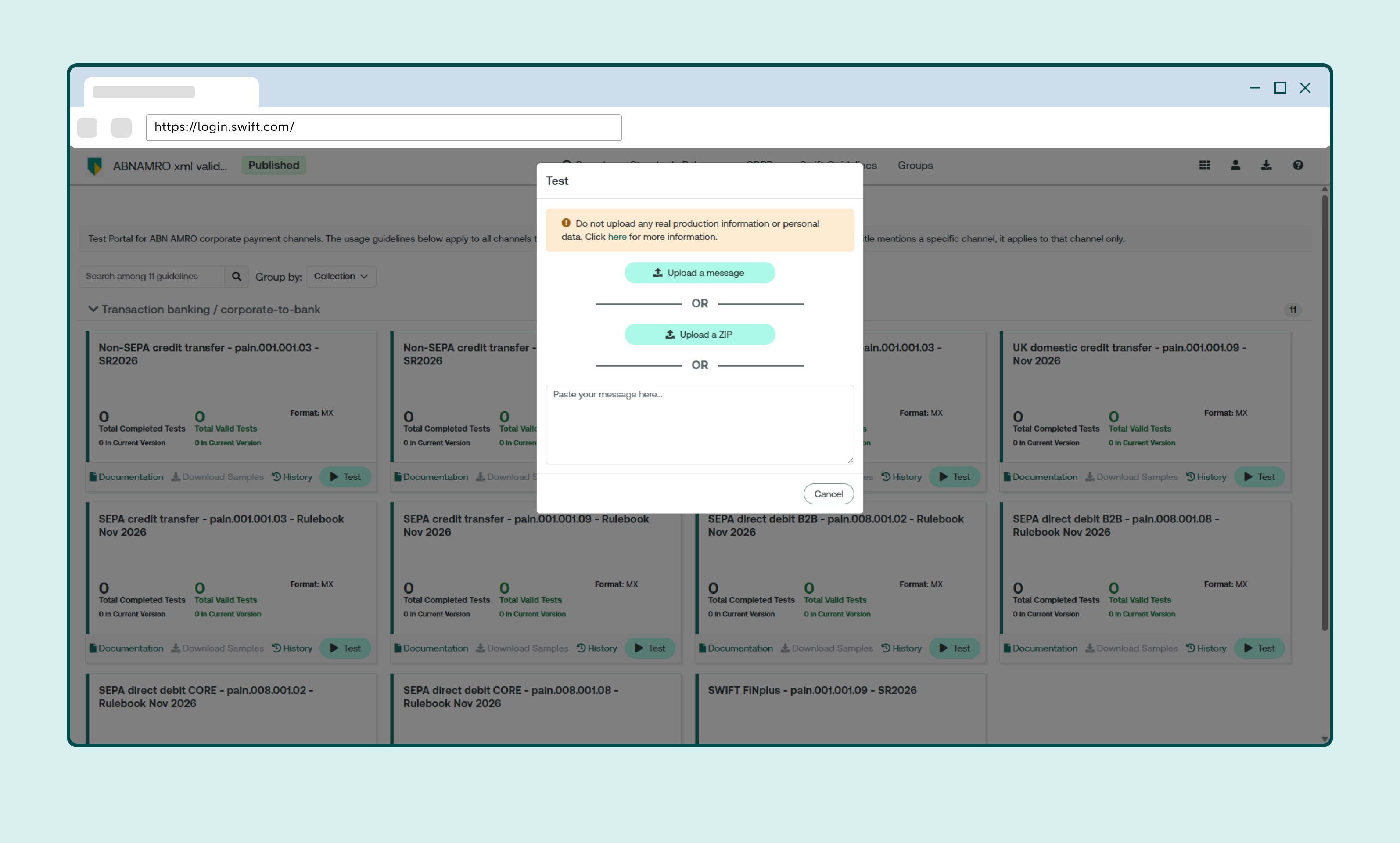
Check the test results
If the file contains errors, you’ll see the cause of each error and how to resolve it.