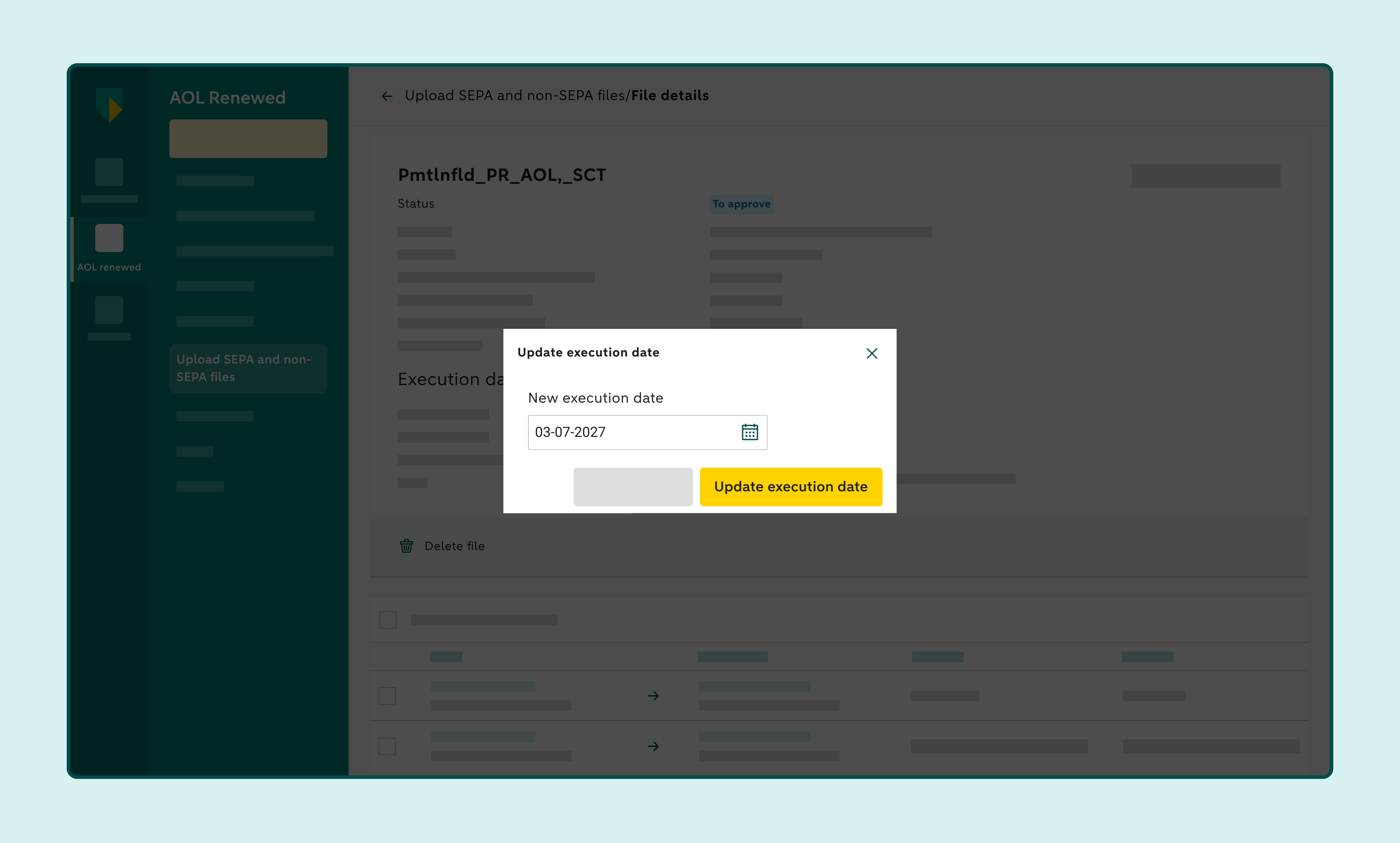
Deleting or changing accepted payment files
Access Online lets you remove payment orders from an accepted payment file as long as the batch still has the To approve status. You can change the execution date of an accepted payment file as long as the file still has the To approve status.
How to remove a payment order from a batch payment
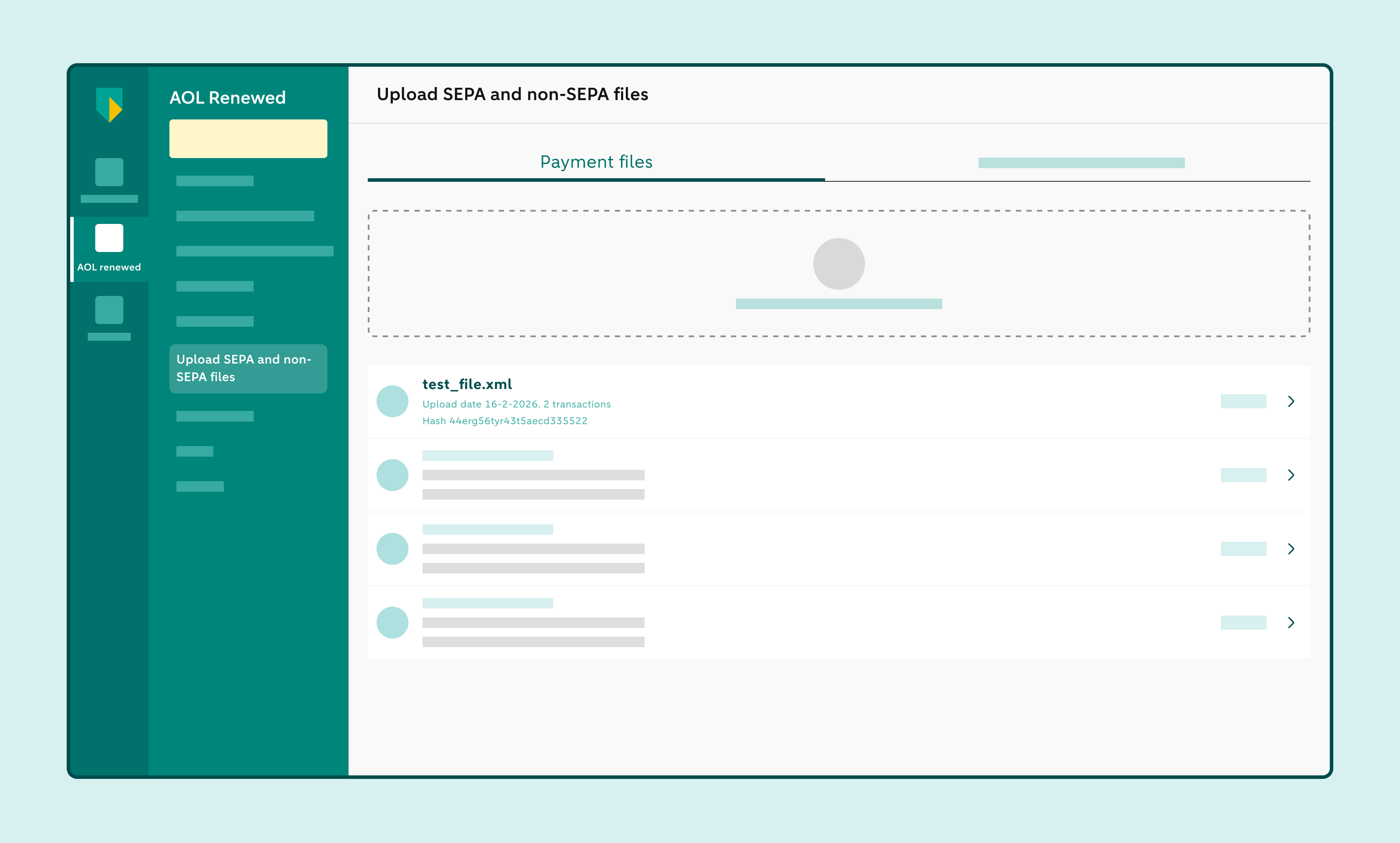
Click on Upload SEPA and non-SEPA files
Open the file containing the payment order you want to remove
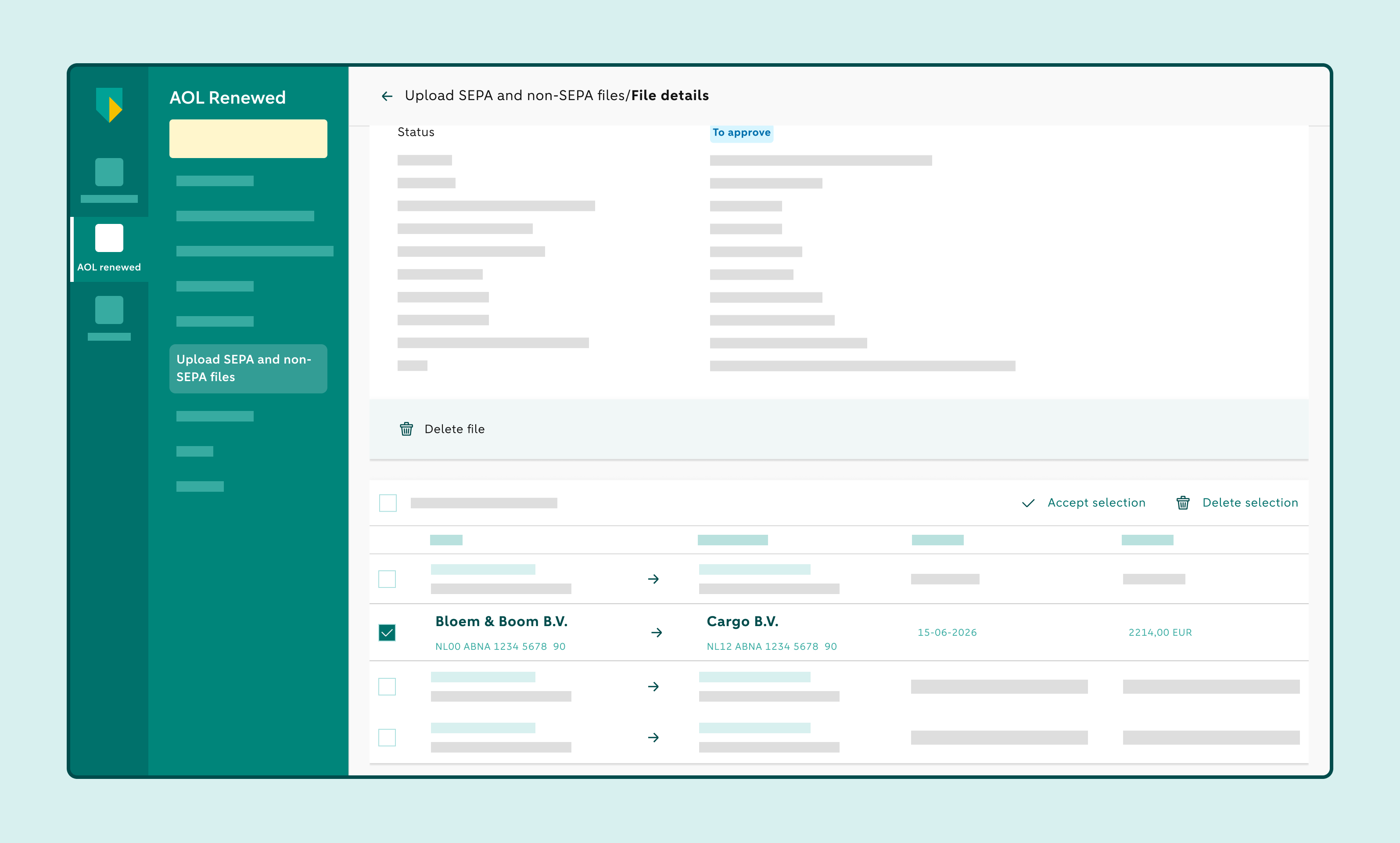
Select the payment order(s) you want to remove and click on Delete selection
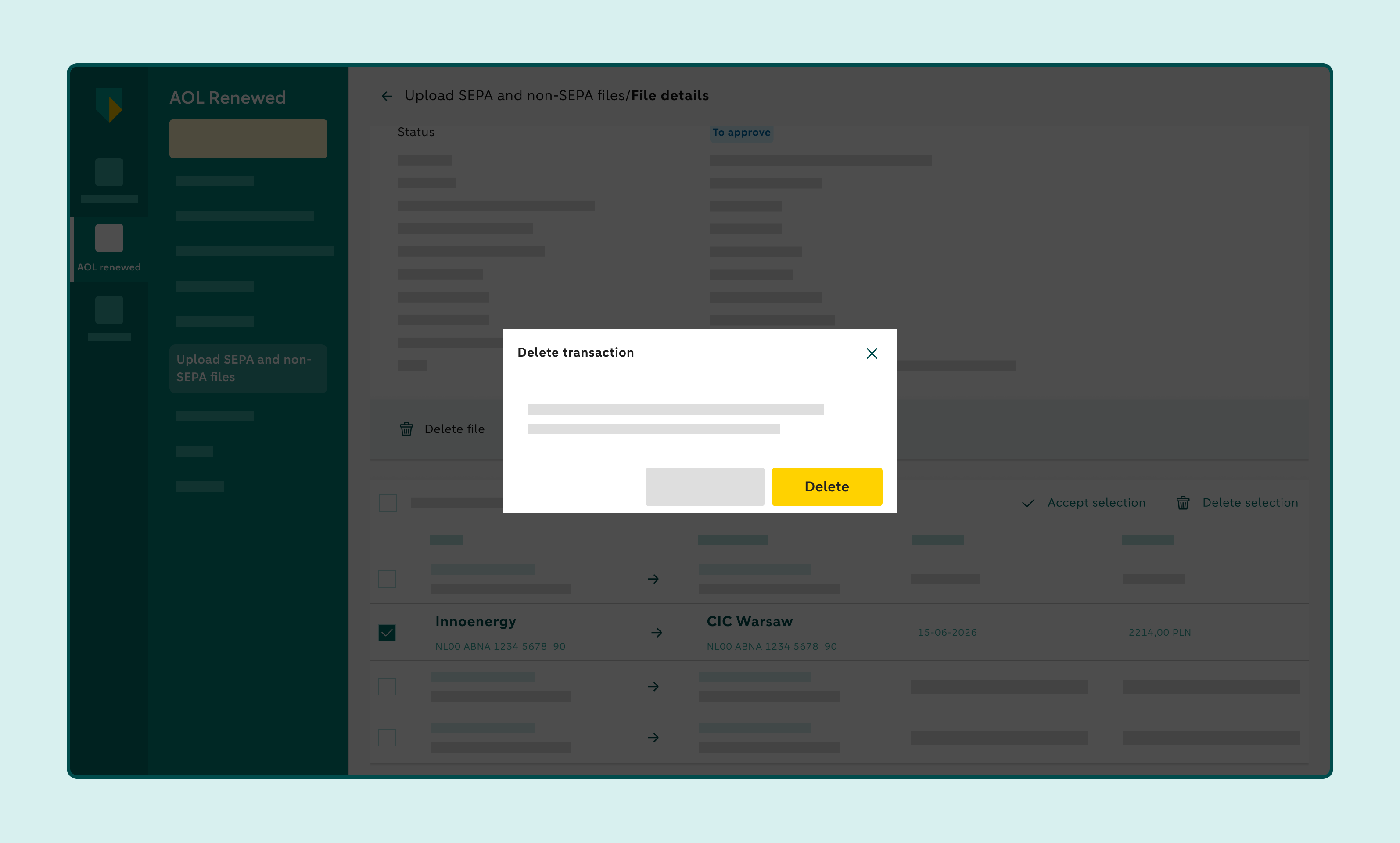
Confirm that you want to delete the transaction(s)
If you want to check that you’re deleting the correct transaction, click on the payment order. On the right, you can see the transaction details and the Delete button.
Please note: only users with the Initiate single ACH payment role can delete payment orders.
How to change the execution date of an accepted payment file
Click on Upload SEPA and non-SEPA files
Open the file containing the payment order you want to change
Click on the pencil icon
This will open a calendar window.
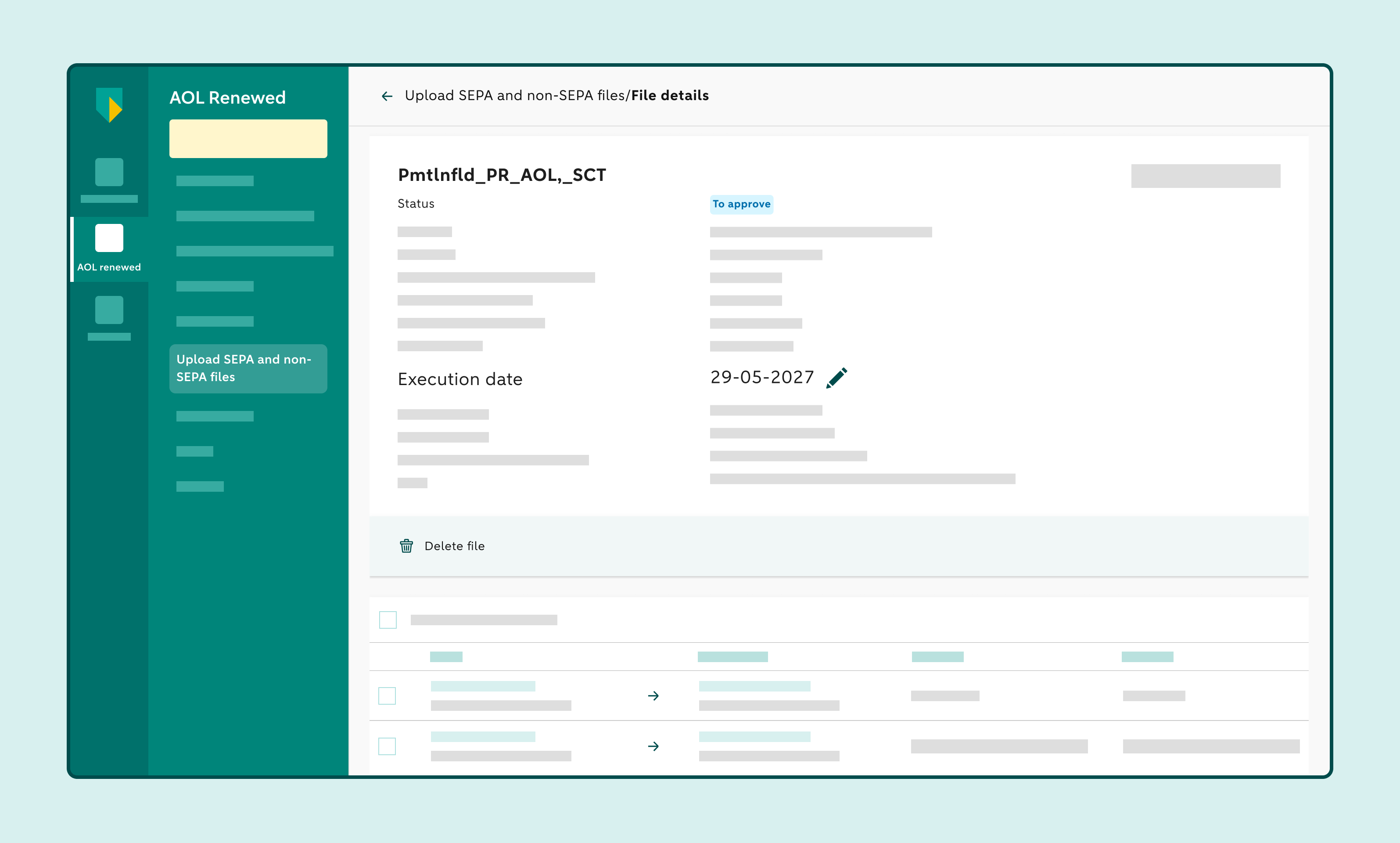
Change the execution date
Please note: you can only change the execution date if the payment file has the To approve status. If you want to change anything else, delete the uploaded file, edit it in your own software and upload the updated file.
Confirm the change