
Generating reports
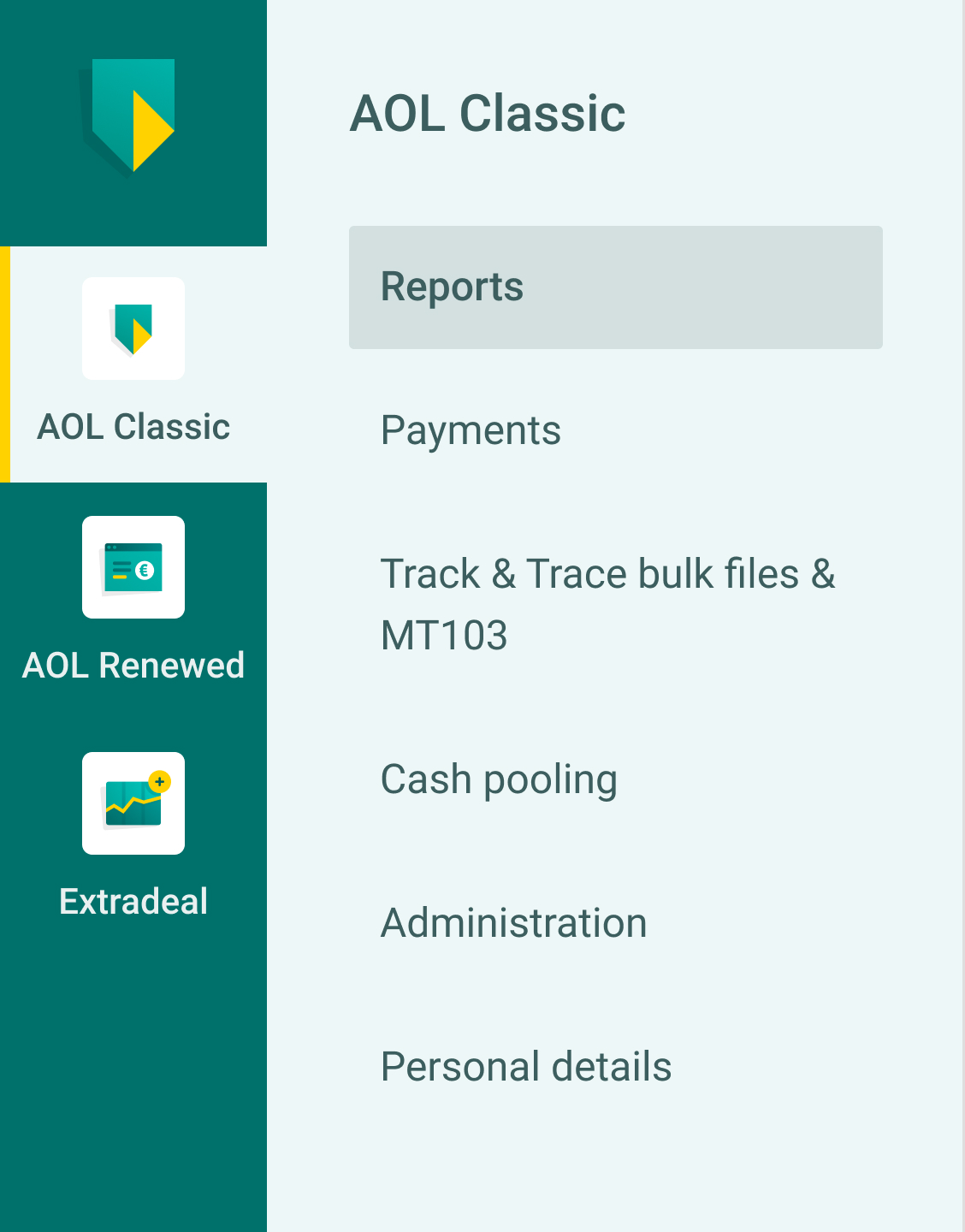
Go to: AOL Classic > Reports
You will find an overview of all your accounts and orders. You can search for orders, and compile and download reports. You can also specify here that you want to open a created report automatically.
Daily statement
Every day, the system automatically generates a bank account statement (overview) showing all orders from the previous working day. This is known as a daily statement.
Click 'Download to', at the bottom on the right, to download the daily statement. Select the format and click 'OK'.
You can then import the file directly into your bookkeeping programme
Account statement
If you need information that does not appear on the daily statement, you can generate an account statement yourself.
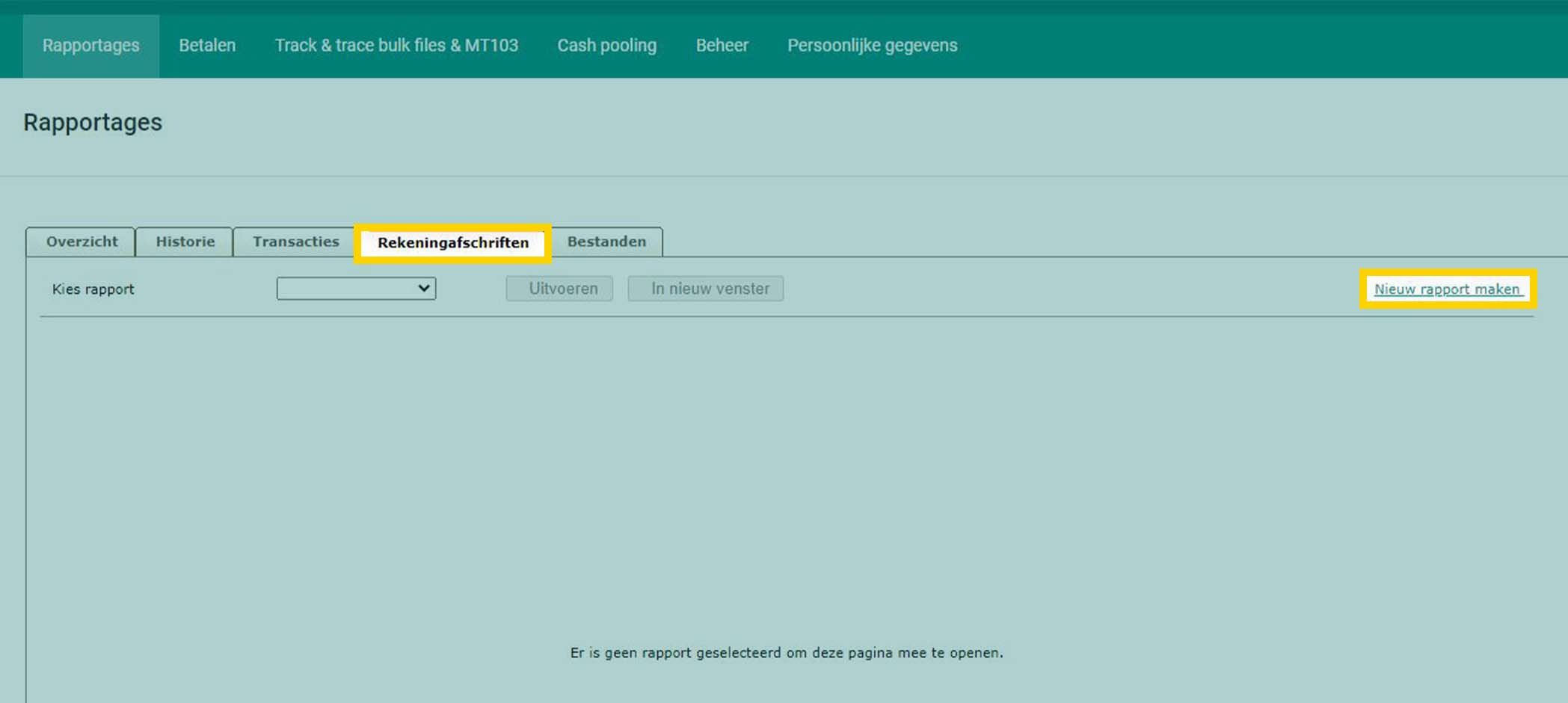
Go to: Account Statements > Create New Report
- Click the 'Account Statements' tab and select 'Create New Report' on the right of the screen. This allows you to view or save an account statement. If you want to save a statement, give it a name in 'Short Name' in the top left corner.
- Tick the accounts for which you want to generate statements.
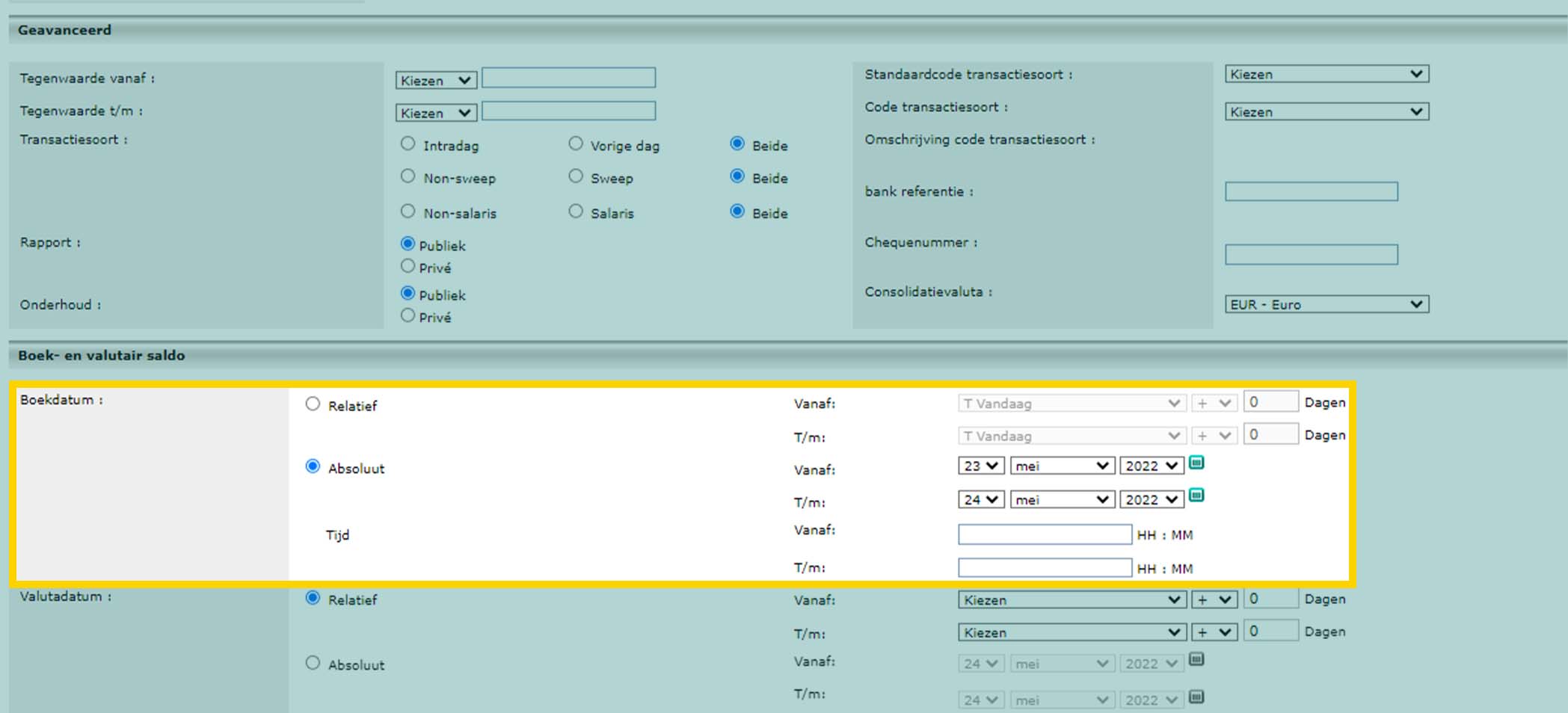
- Select 'Relative' or 'Absolute' in 'Book Date'.
Relative gives options such as 'from beginning to end of the month'. If you select absolute, you must enter the required period yourself.
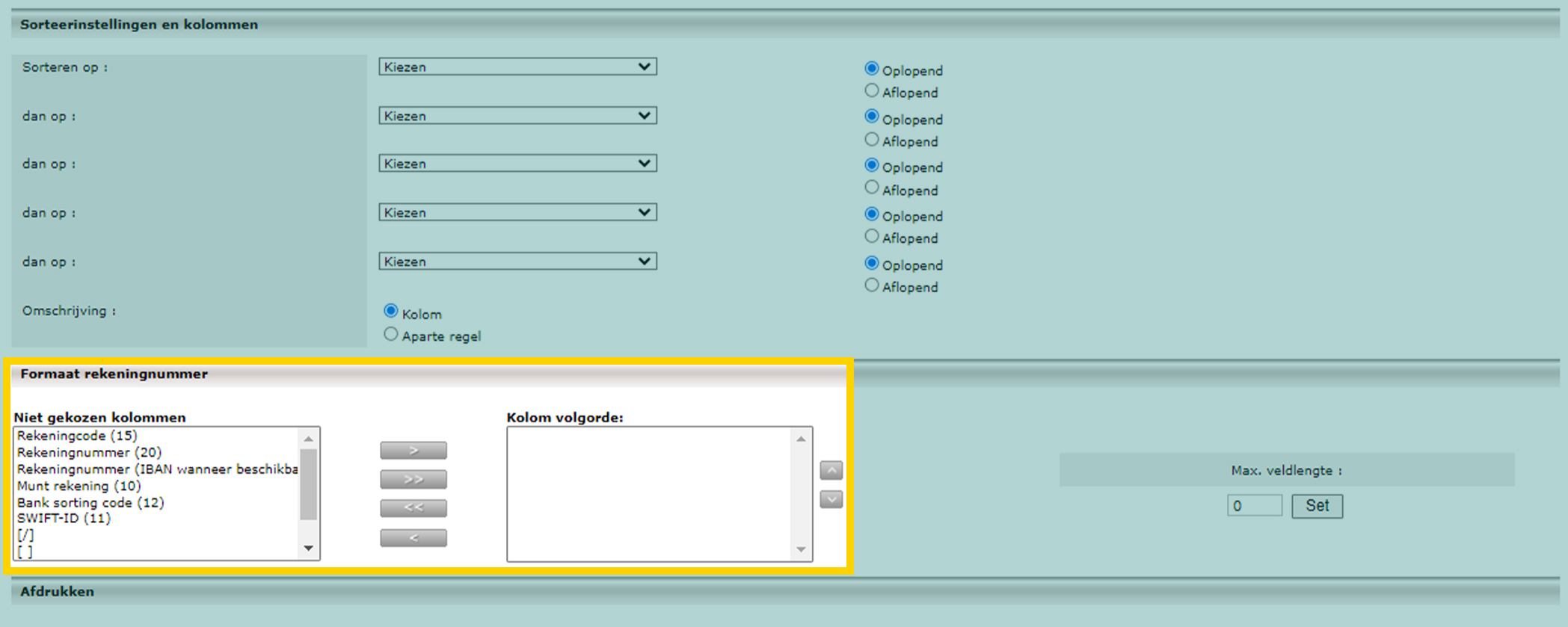
- Scroll down and select the information to be included in the report in 'Account Number Format'.
Please note: the other options are displayed by default. You can adjust them, but you do not need to. If you have any questions about these options, please get in touch with us.
- Select 'Save' at the bottom to save the report, or 'View' to execute the report.
Transactions
To search for a specific amount or an order from a specific client, go to the 'Transactions' tab.
- Complete one or more fields.
- Click 'Search'.
- If you want to compile these search results into a report, click 'Download to', in the bottom right.
- Select the format and click 'OK'.
You can then import the file directly into your accounting software.
Please note: if you want to see a report as soon as you open 'Classic Reports', select 'Set as default report' in the bottom left.