
Authorising changes
Management
Go to: AOL Classic > Administration > Authorisation Overview
You must first submit a change before you can authorise it. It will then appear in the Authorisation Overview.
Click the change for more information.
Part 1 – Approve changes
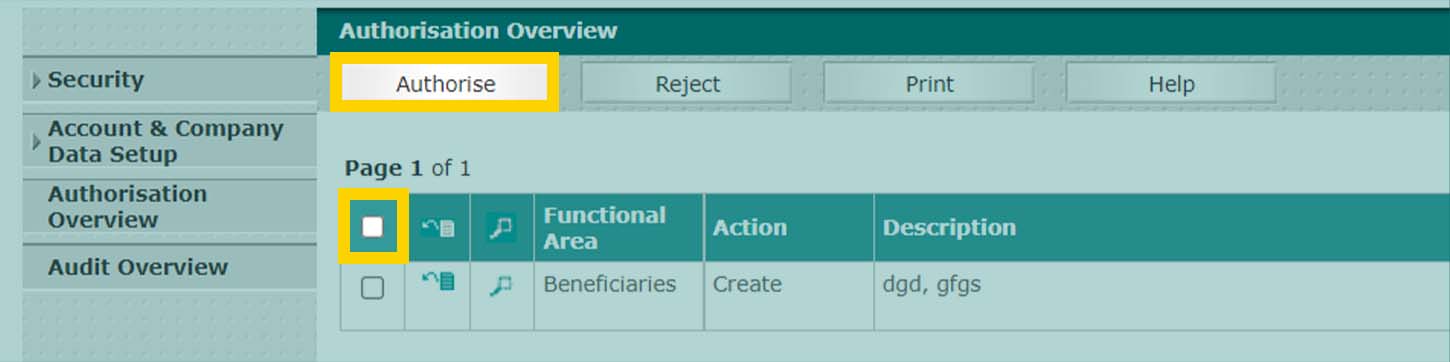
- Tick the change you want to approve. Select all changes in one go by ticking the box in the green bar at the top.
If you can see a change that you are unable to tick, your organisation is using 'dual control'. This means that a colleague needs to approve your change(s).
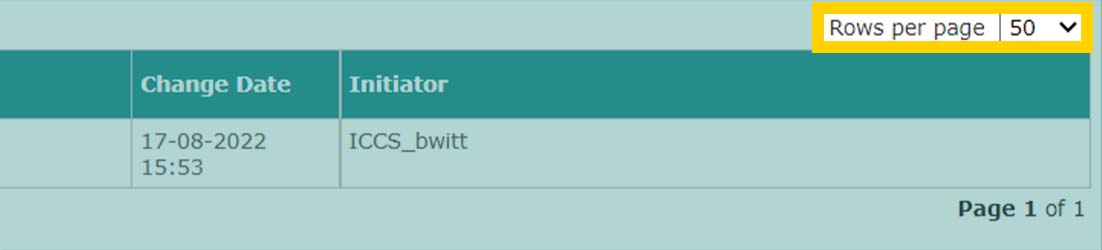
Tip: if you want to authorise over 50 changes, you can increase the number of changes that you see per page from 50 to 250 in Rows per page.
Part 2 - Authorise
- Click Authorise.
- Follow the instructions on the screen.