
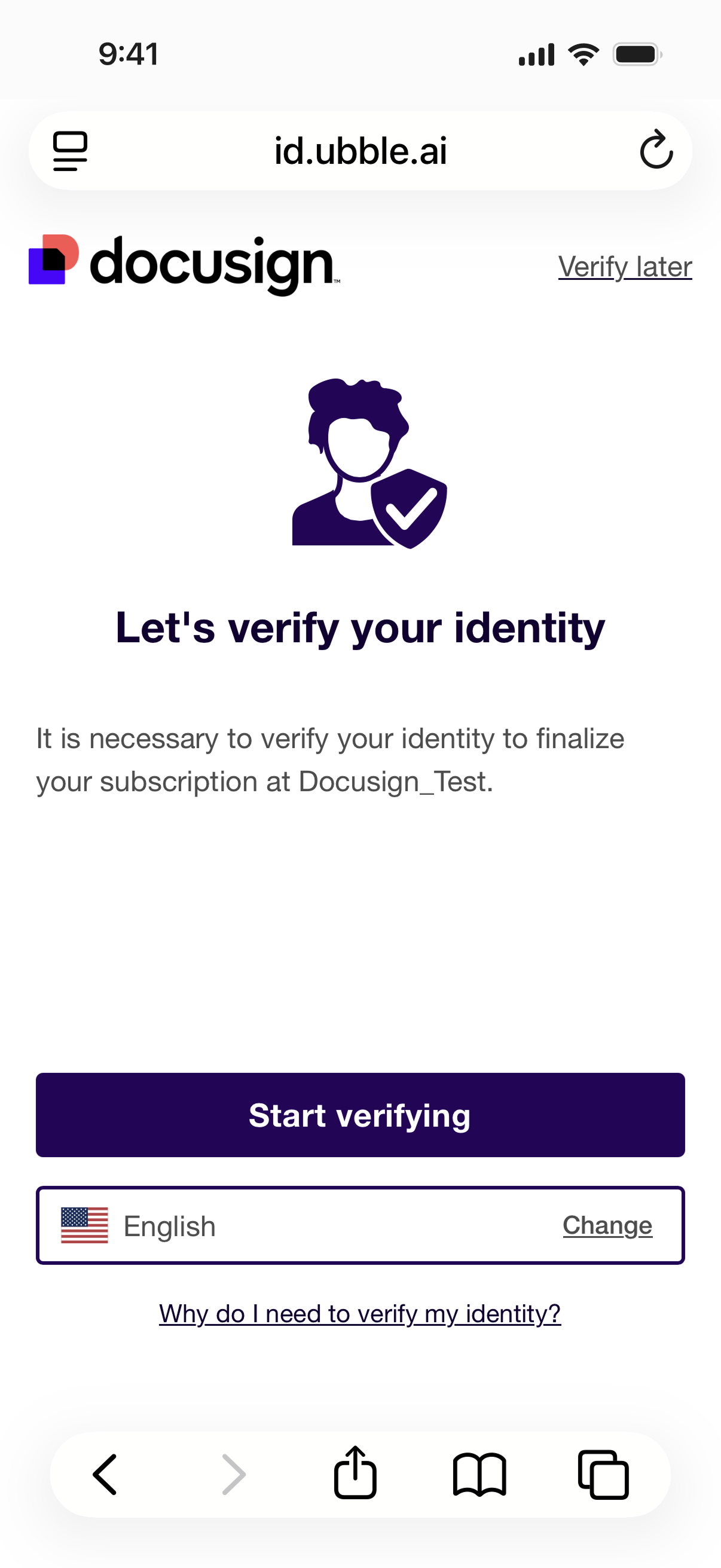

Docusign
Advanced and qualified electronic signatures
Verify your identity with Docusign
- Accepted worldwide
- A signature tailored to your needs
- The highest level of security
Easy and secure
Docusign makes it easy and secure to verify your identity. Depending on the type of document, you sign using the Docusign Identity Wallet or Docusign ID Verification.

What is Docusign?
Docusign is an online platform that lets you sign documents securely using advanced or qualified electronic signatures. Signatures created with Docusign comply with European legislation and are encrypted in accordance with strict standards. Docusign operates in 221 countries and is certified in the EU to provide digital signatures remotely. Docusign is an ABN AMRO partner.
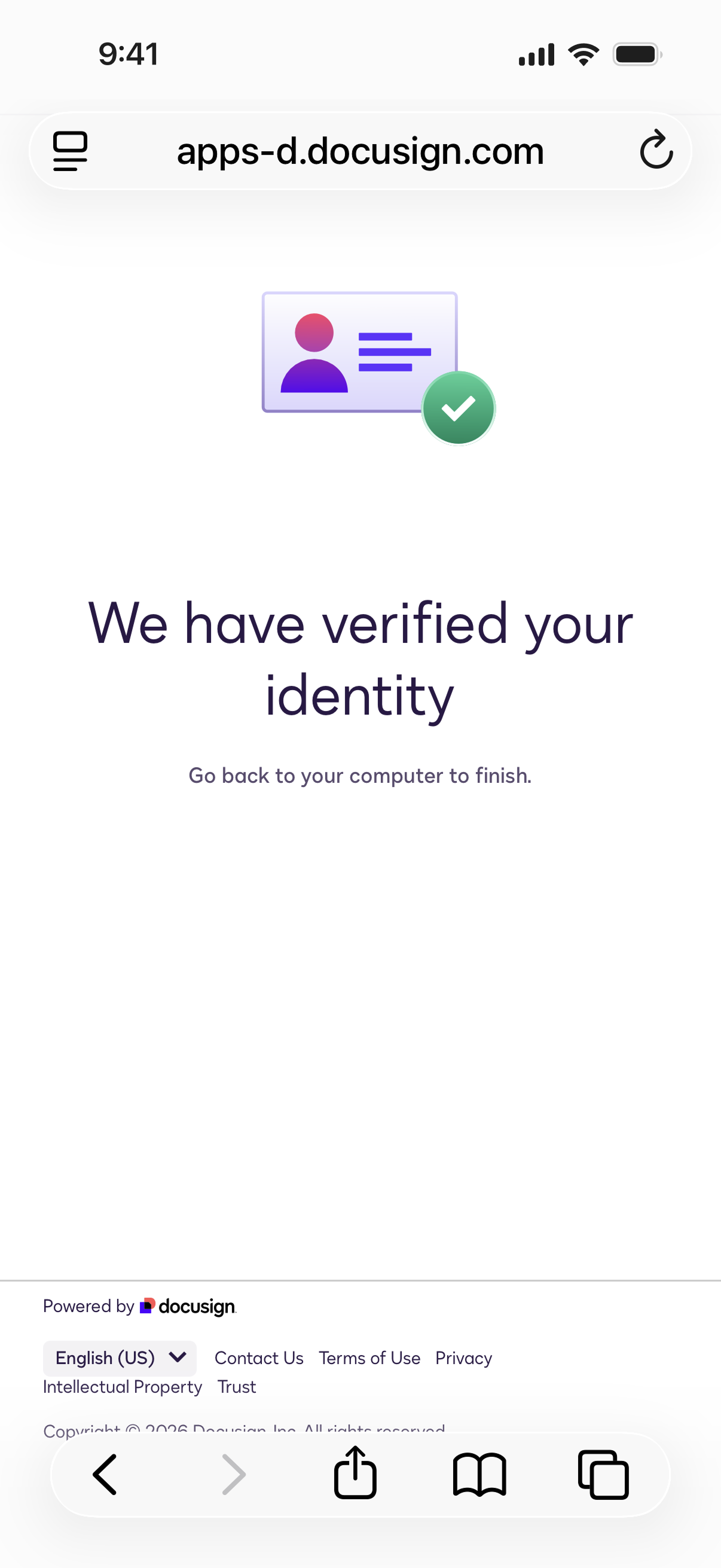
How to use Docusign ID Verification
- Enter the signing code
- You will be taken to the Docusign environment
- Docusign will ask you to verify your identity. Select 'I agree'
- Select the country that issued your ID. This may be different from the country where you currently live.
- Select the type of ID and consent to the processing of your personal data
- Enter your mobile number. You will receive a text message with a link. Open the link.
- Use the website on your smartphone to take a photo of your ID and wait for it to be verified
- Sign the document
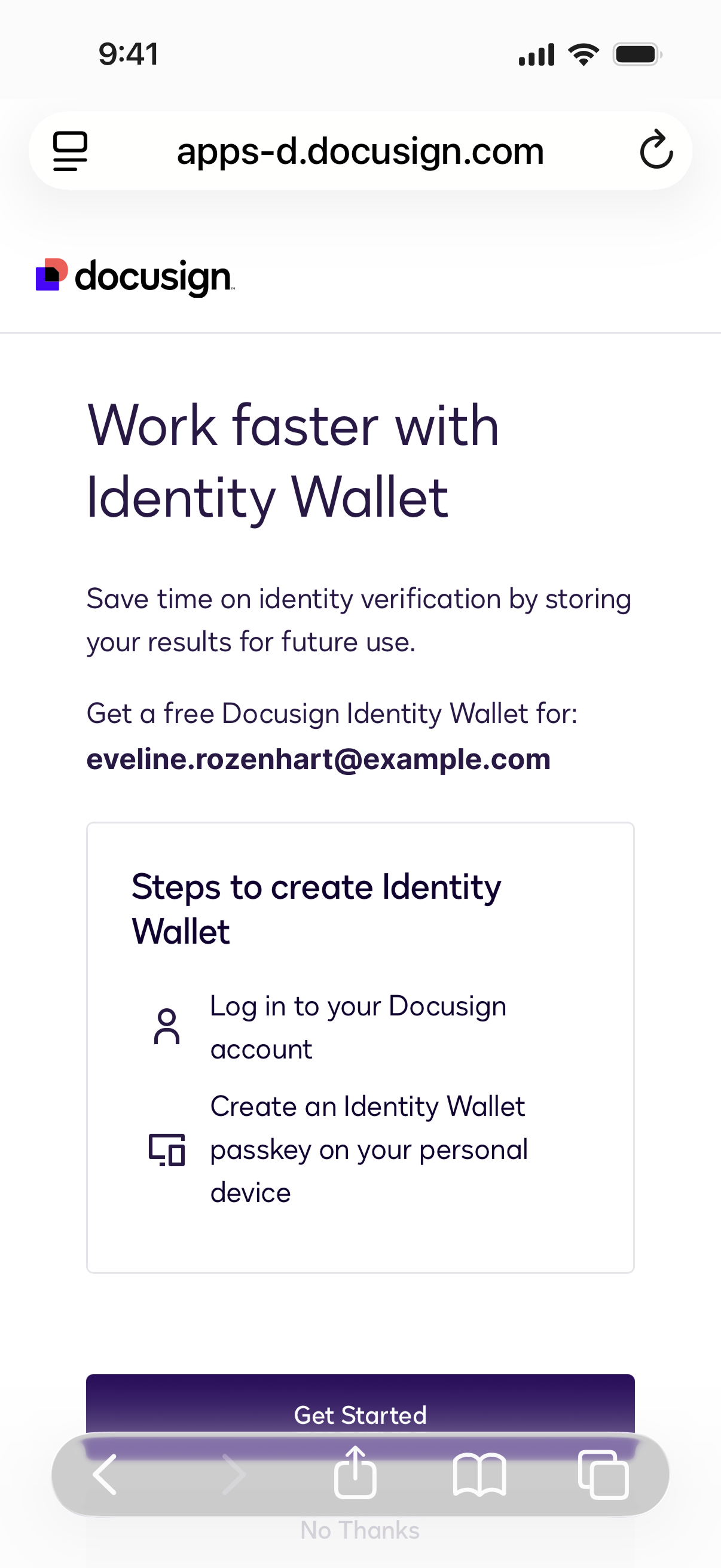
How to use Docusign Identity Wallet
- Enter the signing code
- Select 'ID Document' from the 8 options to verify your identity
- Create your Docusign Identity Wallet if you do not already have one
- Select your Docusign Identity Wallet
- Scan the QR code with your phone
- Click 'Use passkey'
- Sign your documents